
How AI review response systems transform customer satisfaction while preserving authentic engagement—but are businesses ready for the revolution?
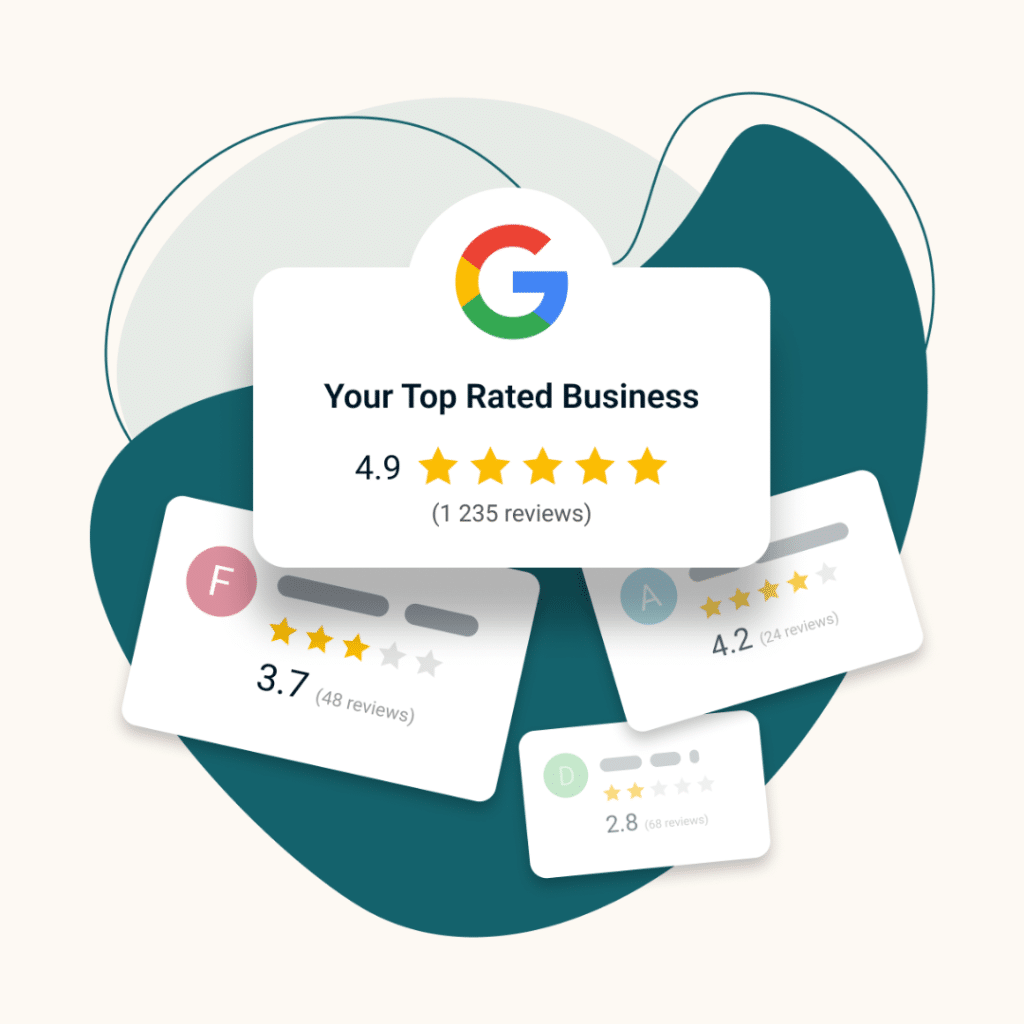
Google reviews have become one of the most powerful trust signals for local businesses. Before calling a company, visiting a store, or booking a service, most customers check Google reviews to see what other people experienced. A business with consistent, recent reviews appears active and trustworthy, while a profile with only a handful of outdated reviews can create hesitation.
The challenge is that reviews rarely appear on their own. Even satisfied customers often forget to leave feedback unless the process is simple and the timing is right. Businesses that generate reviews consistently don’t rely on luck — they build a system that makes leaving a review effortless.
In 2026, the most successful local businesses follow a structured process: they optimize their Google Business Profile, make it easy for customers to leave a review, ask at the right moment, and use automation to maintain consistent follow-ups.
This guide walks through the methods on how to get more google reviews that actually work today — including review links, QR codes, SMS requests, staff scripts, and automation systems that help businesses generate reviews continuously.
Before asking customers to leave feedback, your Google Business Profile needs to be fully optimized. If your listing is incomplete or inconsistent, even motivated customers may struggle to find the correct page or hesitate to leave a review.
Start by confirming that your business information is accurate everywhere it appears online. Your business name, phone number, website, hours, and service areas should match across your website, directories, and social platforms. Consistency helps customers trust that they’re reviewing the correct business and prevents confusion in Google’s local search system.

Next, select the most accurate primary and secondary categories for your business. These categories influence where your business appears in Google Maps results and the types of services customers expect when they find your profile.
Verification is equally important. Google requires businesses to verify ownership through methods such as postcard verification, phone verification, email confirmation, or instant verification when eligible. Once verified, you gain full control of your listing and can respond to reviews, update information, and manage customer interactions.
For businesses operating multiple locations, managing profiles under a single Google Business account helps maintain consistency across all locations. Assign clear roles to team members and use least-privilege access so employees can respond to reviews without having unnecessary administrative control.
Finally, generate your Google review link and create a QR code that leads directly to your review form. These simple tools make it dramatically easier for customers to leave feedback when the moment is right.
Many business owners notice a frustrating pattern: some Google reviews appear instantly and remain visible, while others disappear or never publish at all. This is not random. Google uses automated systems to filter reviews that appear suspicious or violate its policies.
Reviews from brand-new accounts are more likely to be filtered, especially if the account has little activity. Similarly, if a single user posts multiple reviews within a short time period, Google's system may temporarily hold or remove those reviews until additional trust signals are established.
Sudden spikes in review volume can also trigger review filtering. If a business receives an unusually high number of reviews in a short time, Google's algorithm may flag the activity as potentially manipulated. This is why steady, consistent review generation tends to work better than sudden bursts.
Content also plays a role. Reviews containing links, promotional language, personal information, or inappropriate content may be automatically removed. Google prioritizes authentic, experience-based feedback written by real customers.
Reviews that remain visible usually come from established Google accounts with a history of legitimate activity. Detailed reviews that mention specific services, dates, or staff members also signal authenticity and are less likely to be filtered.
If a review disappears after being posted, it may reappear after Google's system finishes evaluating it. In many cases, waiting a few days is enough for the review to return.ars.
Getting more Google reviews is not about using one tactic — it’s about creating a complete system that consistently encourages customers to leave feedback.
Many businesses try to piece this system together manually. They generate review links, print QR codes, remind staff to ask customers for reviews, and attempt to follow up with emails or text messages later. While each of these methods can work individually, managing them manually quickly becomes inconsistent and time-consuming.
That’s where automation makes the difference.
Reviewly.ai brings all of these review generation methods into a single system so businesses can request, track, and respond to Google reviews without juggling multiple tools. Instead of remembering when to ask for a review or manually sending follow-up messages, the platform helps automate the entire process while keeping the experience simple for customers.
Below is how Reviewly.ai helps businesses implement the most effective review generation methods — all from one platform.
One of the easiest ways to increase review volume is by removing as much friction as possible from the process. If customers have to search for your business, find the review section, and navigate multiple steps, many will simply abandon the task.
Reviewly.ai solves this by generating a direct Google review link that takes customers straight to the review box.
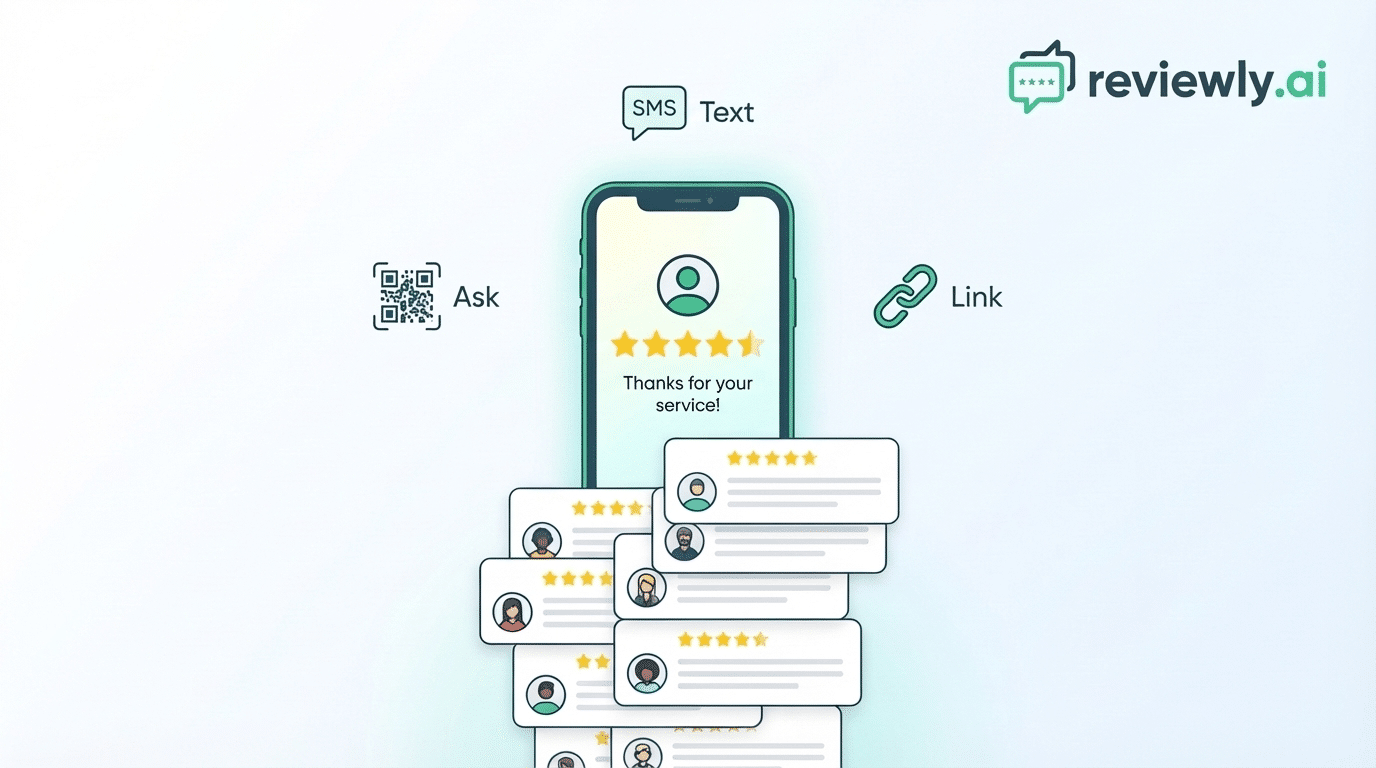
Businesses can send this link to customers through SMS messages, follow-up communications, or customer service interactions. Because the link opens the review form immediately, customers can leave feedback in just a few taps.
This small improvement dramatically increases completion rates because the process feels quick and effortless.
QR codes provide another simple way for customers to leave reviews, especially for businesses that interact with customers in person.
Inside Reviewly.ai, businesses can generate Google review QR codes linked directly to their review page. These codes can be printed and placed in high-visibility locations such as checkout counters, packaging, invoices, waiting areas, or storefront signage.
When customers scan the QR code with their phone camera, they are taken directly to the Google review form. There is no need to type a URL or search for the business manually.
Because QR codes remove the final step of typing or searching, they often produce higher review completion rates in physical locations.
Timing plays a major role in whether customers leave a review.
If a request is sent too late, customers may forget about their experience. If it is sent too early, they may not yet feel motivated to respond. The most effective review requests are sent shortly after a positive interaction, while the experience is still fresh.
Reviewly.ai helps businesses send review requests at exactly the right moment. When a service is completed or a transaction occurs, the system can trigger a review request automatically.
This ensures customers receive the request while their experience is still top of mind, significantly increasing the likelihood they will leave feedback.
Instead of relying on staff to remember to ask for reviews, the system ensures that every satisfied customer has the opportunity to share their experience.
Even with automated review requests, some of the most effective Google reviews still come from in-person interactions. When a customer has just finished a service or completed a purchase, that moment of satisfaction is often the best time to ask for feedback.
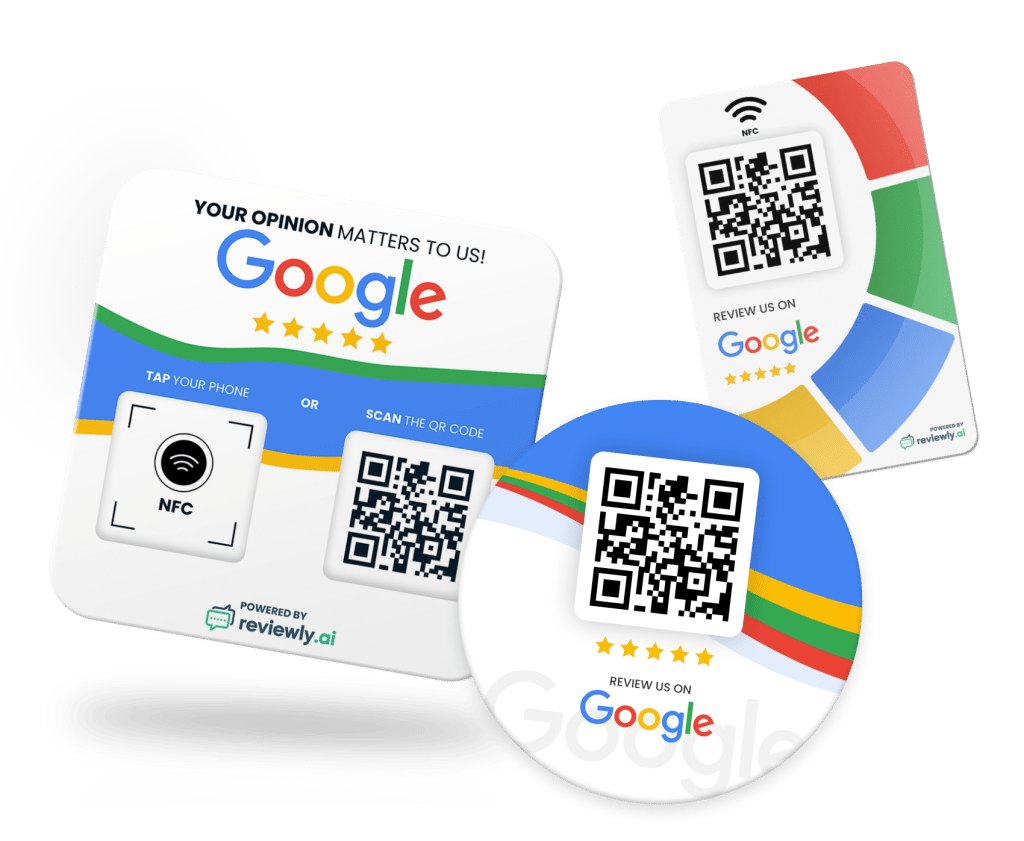
Reviewly.ai simplifies this process by providing dedicated review devices that display a QR code linked directly to your Google review form. Instead of explaining how to find your business online or sending customers to search for you manually, staff can simply point to the device and ask the customer to scan the code with their phone.
Once the customer scans the QR code, they are taken directly to the Google review screen where they can immediately leave a rating and write their feedback. There is no need to type a link, search for the business, or navigate through multiple pages.
For staff members, the process is extremely simple. After a positive interaction, they can say something like, “If you wouldn’t mind sharing your experience, you can leave a quick Google review by scanning this code.” The customer scans the code and can leave a review in seconds.
SMS has become one of the most effective ways for businesses to request Google reviews because text messages are typically opened within minutes of being received. Unlike email requests that may sit unread in an inbox, text messages are almost always seen quickly, which makes them a powerful channel for collecting customer feedback.
Reviewly.ai helps businesses take advantage of this by automatically sending review requests via SMS after a customer interaction. Instead of relying on staff to remember to follow up manually, the platform can send a friendly review request message at the ideal moment — shortly after a service is completed or a transaction occurs.
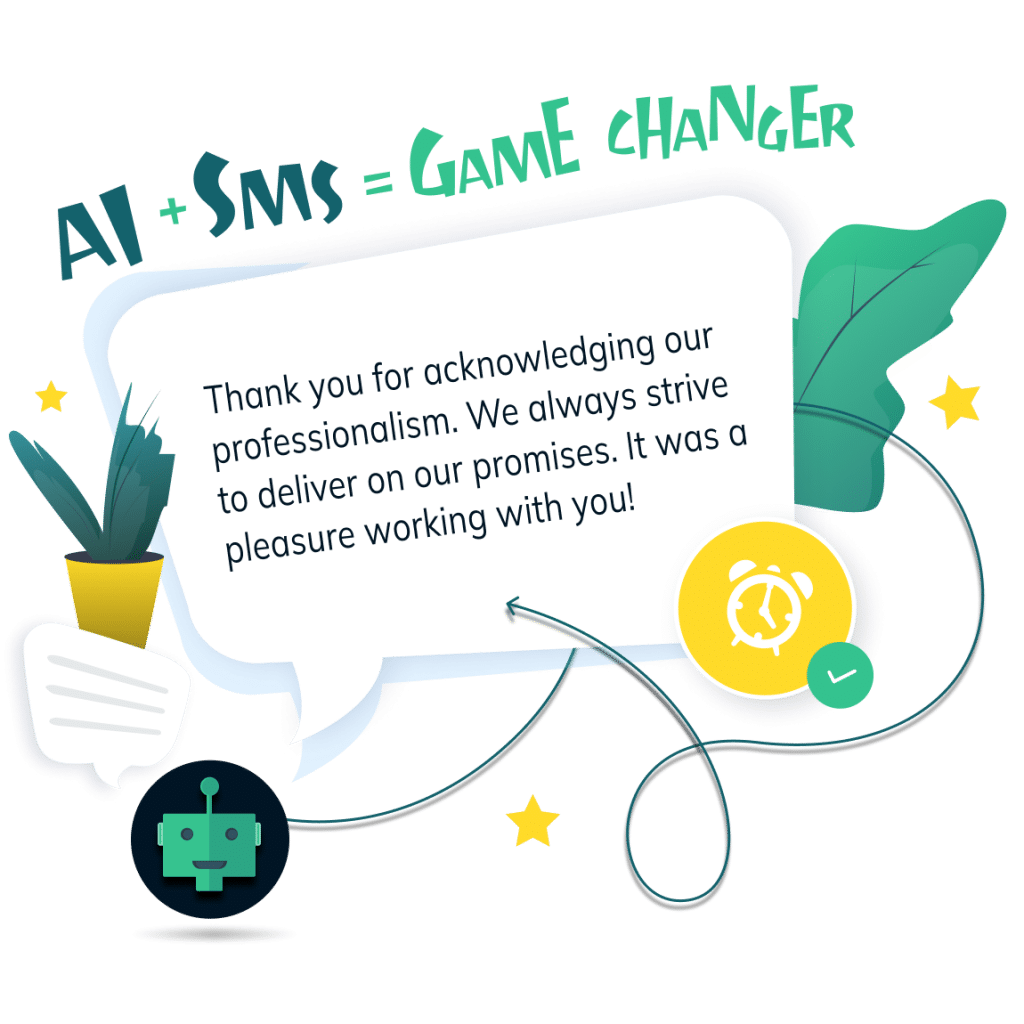
The message contains a direct Google review link, allowing customers to open the review form instantly from their phone. With just a few taps, they can select their rating and submit their feedback without needing to search for the business or navigate through multiple steps.
To make the process even easier for customers, Reviewly.ai also provides AI-generated review suggestions that help customers write their feedback. Many people are happy to leave a review but are unsure what to say, which can cause them to abandon the process. Reviewly’s AI helps remove this hesitation by offering a suggested review based on the customer’s experience.
Customers can use the suggested text as inspiration, edit it to match their experience, or write their own review entirely. The goal is not to script the customer’s response, but to help them get started so leaving a review feels effortless.
This small feature significantly increases completion rates because it eliminates the “blank screen” problem that many customers face when they open the review form.
By combining automated SMS requests, direct Google review links, and AI-powered review suggestions, Reviewly.ai creates a streamlined system for collecting reviews consistently. Businesses no longer need to rely on memory or manual follow-ups — every completed job or transaction becomes an opportunity to generate authentic customer feedback.
Businesses that generate reviews consistently usually follow a steady monthly goal rather than relying on occasional bursts of feedback.
Start by analyzing your current review activity over the past six to twelve months. This helps establish a baseline for how frequently customers currently leave reviews. From there, you can set a realistic target for gradual improvement.
A common strategy is to increase review volume by ten to twenty percent over your existing pace. This allows your profile to grow naturally while avoiding suspicious spikes that might trigger Google’s review filters.
Tracking your review growth over time also helps you identify which methods work best for your business.
For many businesses, the most reliable way to generate reviews is through automation. When review requests are integrated directly into your CRM, booking software, or payment system, every completed transaction can trigger a follow-up message automatically.
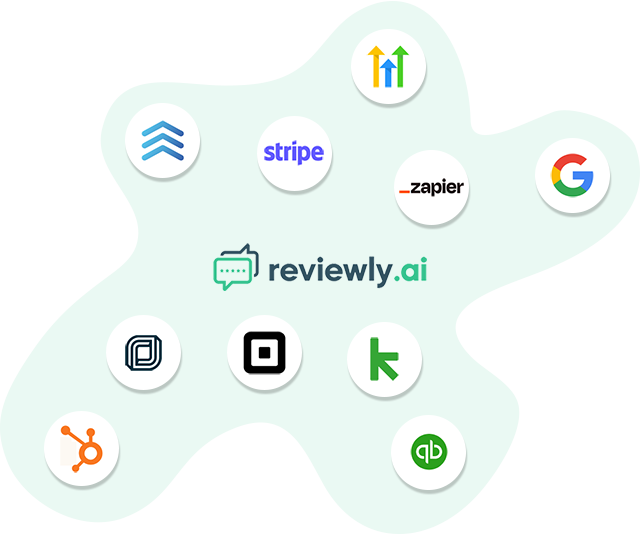
For example, a review request might be sent when an appointment is marked complete, an invoice is paid, or a service is delivered. These triggers ensure that customers receive review requests consistently without requiring manual effort from your team.
With Reviewly.ai you are able to connect with common business tools and send review requests through SMS at the ideal moment. This removes the guesswork and ensures every customer has the opportunity to leave feedback.
Over time, this automated system creates a steady flow of new reviews without adding extra work for staff.
When a review lands, treat the next 24–48 hours as your highest-leverage window to respond and shape what future customers believe. Aim for same-day replies if a complaint is trending. Fast responses signal you’re present, build trust, and support Google’s engagement signals. Over time, consistent replies can even contribute to a higher average rating.
Turn on Google Business Profile alerts and use a simple triage: acknowledge within hours, then follow up with specifics within 48.
In public, keep it 1–3 sentences: thank them, name the issue, stay factual and empathetic, and invite a private next step with a clear timeframe. Don’t argue, and don’t share personal details.
If the review looks fake or abusive, document timestamps and records, check policy violations, then flag it. If you’re unsure, reply neutrally: you can’t find a matching visit and you’d like details privately.
Resolve, then ask them to reflect on updating.
Getting more Google reviews in 2026 is not about luck — it is about building a simple, repeatable system.
Start by optimizing your Google Business Profile so customers can easily find and review your business. Create one-click review links and QR codes that remove friction. Ask for reviews at the right moment, follow up with SMS or email, and place review prompts where customers naturally look.
As your business grows, automation becomes the most reliable way to maintain a steady flow of new feedback. By combining smart timing, simple tools, and consistent follow-up, businesses can generate reviews continuously while strengthening trust with future customers.
Because in today’s local search landscape, every new review has the potential to influence the next customer’s decision.
Jeff Schwerdt is the Founder & CEO of Reviewly.ai, a review management platform that helps businesses turn customer feedback into measurable growth. With over 10 years of experience in online reputation management, Jeff works with small and mid-sized businesses to build trust, improve local search visibility, and drive more revenue through smarter review strategies.

How AI review response systems transform customer satisfaction while preserving authentic engagement—but are businesses ready for the revolution?
Learn the 3 most profitable growth strategies for digital marketing agencies that can transform your business; discover the secrets now!
Boost your Google Local Pack visibility in 2026 with proven strategies. Enhance your local SEO and attract more customers effectively and efficiently.
Witness how review marketing can transform your small business with our top tactics; continue reading to step towards success.
Effective Reputation Strategies for restaurants transforms online reviews into powerful marketing tools that build customer loyalty—but what happens when crisis strikes?
Frustrated agencies transform client management with white label CRM software, but what happens when it becomes more than just a tool?