
Transform your agency's reputation with Reviewly.Ai's white label solution—discover customizable branding, private hosting, and advanced automation tools today.

Getting customers to leave Google reviews has always been one of the biggest challenges for local businesses. You deliver an incredible experience, the customer walks out smiling, and then... nothing. No review. No rating. That five-star moment disappears into thin air. The problem was never about customer satisfaction. It was about friction. Typing out a URL, searching for your business on Google, navigating to the review form — every extra step is another chance for that happy customer to get distracted and move on. That is exactly why a QR code for Google reviews has become one of the most effective tools in modern reputation management.
One scan, and your customer lands directly on your Google review page, ready to share their experience. In this guide, we will break down exactly how QR codes work for Google reviews, where to place them for maximum impact, and how Reviewly.ai makes the entire process effortless with built-in QR code generation and dedicated review devices.
Getting customers to leave Google reviews has always been one of the biggest challenges for local businesses. You deliver an incredible experience, the customer walks out smiling, and then... nothing. No review. No rating. That five-star moment disappears into thin air. The problem was never about customer satisfaction. It was about friction. Typing out a URL, searching for your business on Google, navigating to the review form — every extra step is another chance for that happy customer to get distracted and move on. That is exactly why a QR code for Google reviews has become one of the most effective tools in modern reputation management. One scan, and your customer lands directly on your Google review page, ready to share their experience.
Before we dive into how QR codes simplify the review collection process, it is worth understanding why Google reviews carry so much weight in 2026.

Google reviews directly influence your local search rankings, your visibility in the Google Local Pack, and ultimately how many new customers walk through your door.
Businesses with higher review counts and better average ratings consistently outperform competitors in local search results. Beyond SEO, reviews serve as social proof. A potential customer comparing two businesses will almost always choose the one with more positive reviews.
According to BrightLocal's Local Consumer Review Survey, 97% of consumers read online reviews before choosing a local business, and the majority trust those reviews as much as personal recommendations. If you want a deeper look at why reviews are critical for your bottom line, check out our guide on whether Google reviews really matter.
A QR code for Google reviews is a scannable barcode that, when scanned with a smartphone camera, takes the customer directly to your Google Business Profile review page. There is no typing, no searching, and no guessing. The customer simply opens their phone camera, points it at the code, and taps the link that appears.
Within seconds, they are looking at the star rating prompt and can leave their feedback immediately. This removes virtually all of the friction that has historically prevented satisfied customers from leaving reviews.
The beauty of a QR code is its simplicity. It works on every modern smartphone without requiring a separate app. Whether your customer has an iPhone or an Android device, the built-in camera handles the rest. Google even provides official documentation on creating review links and QR codes directly through your Google Business Profile.
The single biggest reason customers do not leave reviews is inconvenience. A QR code for Google reviews compresses what used to be a multi-step process into a single scan. There is no asking the customer to remember your business name, search for it on Google, scroll past ads and competitors, and then find the review button.
The QR code does all of that in one second. Businesses that actively share review links and QR codes see two to three times more reviews than those that wait for customers to find them organically.
Timing is everything in review collection. The best time to ask for a review is within 30 seconds of a positive experience ending. After that window closes, the emotional peak fades and the likelihood of receiving a review drops dramatically.
A QR code placed at the checkout counter, on a receipt, or on a thank-you card captures that moment perfectly.

The customer is still feeling great about their experience and the QR code makes it effortless to share that feeling. For more strategies on capturing reviews at the right time, read our post on how to get more Google reviews.
One of the most powerful aspects of a QR code for Google reviews is its versatility. You can place it on table tents at your restaurant, on the back of business cards, on receipts and invoices, on product packaging, on appointment reminder cards, on window decals at your storefront, and on any printed marketing material.
Every physical interaction with your customer becomes a potential review opportunity. The key is strategic placement — put the QR code wherever your customer is most likely to be feeling positive about their experience.
Google's algorithm favors businesses that receive a consistent flow of new reviews over time. A sudden burst of 50 reviews in a single week can actually look suspicious and trigger algorithmic scrutiny. QR codes naturally produce a healthier review pattern because they collect feedback organically as customers come and go. Aiming for five to ten new reviews per month creates a sustainable growth trajectory that Google rewards with better visibility. If you are looking to build a comprehensive review generation strategy, our article on review generation strategy for businesses covers everything you need to know.
While you can create a basic QR code on your own, the real power comes from using a platform that integrates QR codes into a complete review management system. That is exactly what Reviewly.ai offers.
When you open an account with Reviewly.ai, you get the ability to generate a custom QR code for Google reviews directly within your dashboard. There is no need for third-party QR code generators, no copying and pasting links between platforms, and no technical know-how required. Simply log into your Reviewly.ai account, navigate to the QR code section, and generate a branded code that links directly to your Google review page.

You can download it, print it, and start collecting reviews immediately. This built-in feature ensures your QR code is always linked to the correct Google Business Profile and is ready to deploy across all of your marketing materials.
Reviewly.ai takes QR code review collection a step further with dedicated review devices that you can place at your point of sale, front desk, or checkout counter. These physical devices are designed specifically to prompt customers to leave a review at the exact moment they are most satisfied. Instead of hoping customers notice a QR code on a receipt or business card, a review device puts the prompt front and center during the checkout experience.
It is a hands-off, automated way to consistently generate five-star reviews without your staff needing to awkwardly ask for feedback. The combination of a QR code generated from your Reviewly.ai account and a strategically placed review device creates a review collection system that runs on autopilot.
Collecting reviews is only half the equation. Reviewly.ai also provides AI-powered review response tools, sentiment analysis, and real-time monitoring so you can manage your entire online reputation from a single dashboard. When a new review comes in from your QR code, you will be notified instantly and can respond quickly — which Google also factors into your local search rankings. To see how Reviewly.ai stacks up against other platforms, take a look at our comparison of the best Google review management software.
For printed materials, your QR code should be at least one inch square with adequate white space around it to ensure reliable scanning. A code that is too small or cluttered with surrounding graphics will frustrate customers and defeat the purpose. For digital displays and screens, make sure the code is large enough to scan from a comfortable distance.
Never place a QR code without context. A code sitting by itself on a counter means nothing to most customers.
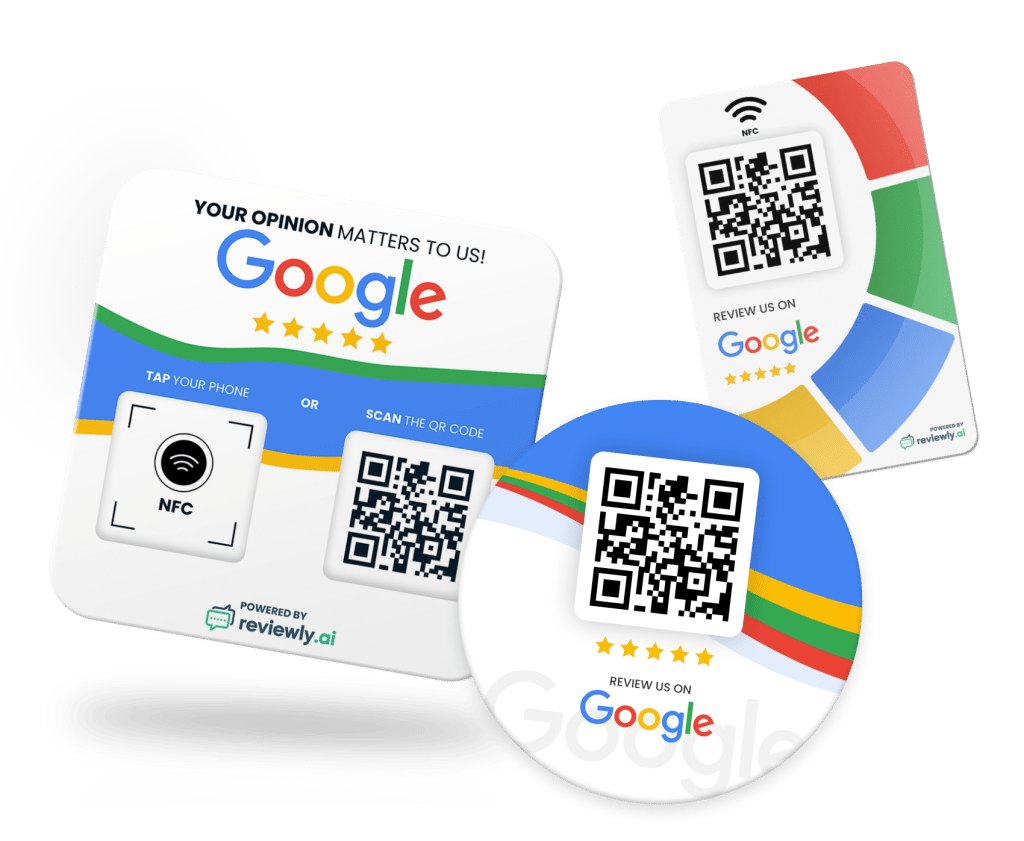
Pair it with a short, friendly call to action like "Loved your experience? Scan to leave us a review!" or "Help us grow — scan for a quick Google review." The call to action tells the customer exactly what the QR code does and why they should scan it.
Google has clear policies around review collection. You should never offer incentives in exchange for reviews, never gate reviews by only sending happy customers to Google, and never purchase fake reviews. What is perfectly acceptable — and encouraged — is simply asking customers to leave an honest review through QR codes, follow-up emails, or signage.
You can review the full list of Google's prohibited and restricted content policies to make sure your review collection strategy stays compliant. Using a QR code for Google reviews falls well within Google's guidelines as long as you are not manipulating the process. For more on staying within Google's policies while maximizing your profile, read our guide on proven strategies for your Google Business Profile.
The most effective placements for a QR code for Google reviews depend on your business type, but some high-converting locations work across nearly every industry. Checkout counters and front desks are prime real estate because the customer has just completed their transaction and the experience is fresh. Receipts and invoices work well for service-based businesses where the customer may want to reflect on the experience before reviewing.
Thank-you cards and follow-up emails provide a personal touch that increases review rates. Product packaging is an underused but highly effective placement for e-commerce and retail businesses. And if your business has a waiting area, table tents or framed QR codes give customers something productive to do while they wait.
The key is to integrate the QR code into natural customer touchpoints rather than making it feel forced. For small businesses looking to get the most out of their review strategy, our guide to review management for small businesses offers actionable tips tailored to your situation.
QR codes are not the only way to collect Google reviews, but they are among the most effective for in-person businesses. SMS follow-ups are great for reaching customers after they leave, but they rely on having accurate contact information and may not be the best fit for some business models.
Verbal requests from staff can be effective but are inconsistent and put employees in an uncomfortable position. Review request cards with printed URLs require the customer to manually type an address, which dramatically reduces follow-through. A QR code for Google reviews bridges the gap between all of these methods.
It works instantly, requires no personal data collection, and can be combined with every other strategy for a multi-channel approach. The most successful businesses use QR codes alongside automated follow-up sequences through platforms like Reviewly.ai to capture reviews from every possible angle. Learn more about building a comprehensive approach in our article on how to generate Google reviews.
Every review collected through your QR code contributes to your local SEO performance. Google uses review signals — including review quantity, velocity, diversity, and average rating — as key ranking factors for local search results.
A business that consistently earns new reviews through QR codes and other collection methods will rank higher in the Google Local Pack, appear more prominently in Google Maps, and attract more organic traffic than competitors with stale or sparse review profiles.
The connection between reviews and SEO is well-documented. Our comprehensive guide on how reviews impact SEO breaks down exactly how your review profile influences your search visibility.
Setting up a QR code for Google reviews does not have to be complicated. If you want the fastest and most integrated solution, sign up for a Reviewly.ai account and generate your QR code directly from the platform. From there, you can print it, place it at your highest-traffic customer touchpoints, and pair it with a Reviewly.ai review device for maximum impact.
Within weeks, you will see a noticeable increase in your Google review count, a higher average star rating, and improved visibility in local search results.
The businesses winning the local search game in 2026 are not the ones with the biggest marketing budgets. They are the ones making it ridiculously easy for happy customers to share their experience. A QR code is the simplest, most cost-effective way to do exactly that.
A QR code for Google reviews is no longer a nice-to-have — it is an essential tool for any business serious about growing its online reputation. By eliminating friction, capturing reviews at the right moment, and integrating into every customer touchpoint, QR codes transform satisfied customers into vocal advocates for your business.
Pair that with Reviewly.ai's built-in QR code generation, dedicated review devices, and AI-powered review management, and you have a complete system for building a five-star reputation on autopilot. The question is not whether you should be using a QR code for Google reviews. The question is how many reviews you are losing every day by not using one. Start collecting those five-star ratings today and watch your local search rankings climb.
Jeff Schwerdt is the Founder & CEO of Reviewly.ai, a review management platform that helps businesses turn customer feedback into measurable growth. With over 10 years of experience in online reputation management, Jeff works with small and mid-sized businesses to build trust, improve local search visibility, and drive more revenue through smarter review strategies.

Transform your agency's reputation with Reviewly.Ai's white label solution—discover customizable branding, private hosting, and advanced automation tools today.
Transforming Client Acquisition and Review Management with Reviewly.ai Top Digital Marketer Ken George, leveraged Reviewly.ai and the Yes Method to secure clients swiftly and enhance their review management. This case study explores Ken's journey from initial networking to achieving tangible results for his clients, boosting their online presence and trustworthiness with the help of some […]
A proven multi location review management workflow keeps every store consistent, fast, and human—yet one missing step can quietly undo it all.
Learn effective PR crisis management strategies, from forming a dedicated crisis team to crafting resonant messages, and explore their nuances further.
Learn How to Start a Review Management Agency in 2026 by targeting high-demand niches, but one overlooked mistake could quietly kill your margins.
Struggling to amplify your construction business’s reputation with more customer reviews? Your search ends here with our guide on how to get more reviews as a construction business in 2024. We’ll walk you through proven tactics tailored for the construction industry to boost your online feedback and secure the trust your business deserves. Discover how […]