
Keep your business ahead in 2025 with the top Google review management softwares; discover which platforms make the cut and why they matter.
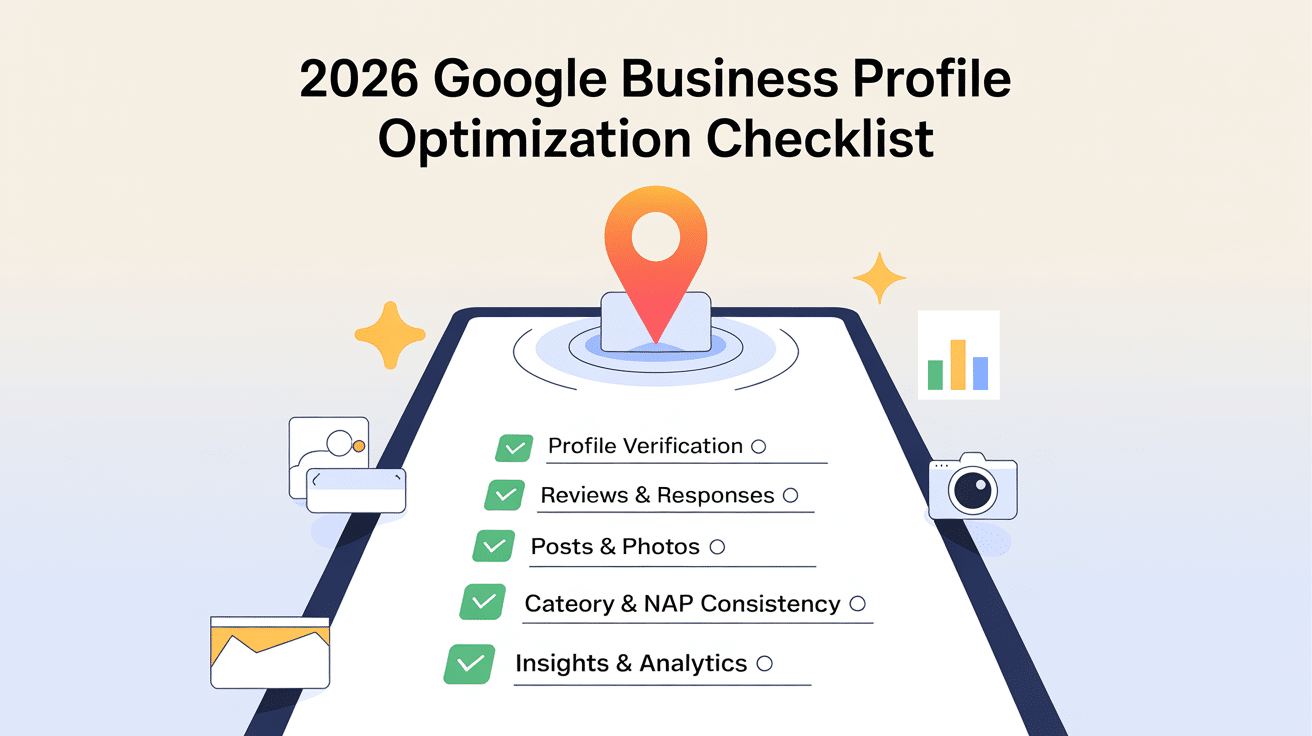
Google Business Profile (GBP) is the structured local listing that maps businesses to search and maps results, and in 2026 it acts as a primary source for AI Overviews, local packs, and voice results. This guide teaches a complete optimization checklist—including claiming and verification, NAP consistency, category strategy, activity signals, reviews and Q&A, visual content and posts, advanced booking and transparency attributes, and schema for mobile and voice. Many local owners struggle with inconsistent citations, poor review workflows, and missed schema opportunities that reduce visibility; this checklist provides stepwise actions to resolve those issues and drive higher conversions. You will learn how to claim and verify a GBP, which ranking factors matter most in 2026, how to collect and respond to reviews, best practices for photos and Google Posts, steps to integrate booking and transparency attributes, and which structured data to implement for rich results. The article includes EAV comparison tables for ranking factors, review KPIs, and schema types, plus actionable lists and templates to support implementation. Read on to apply entity-rich, semantic strategies that align GBP content with Local Business schema and AI-driven search behavior.
Claiming and verifying a Google Business Profile establishes ownership and trust signals that enable full control of profile content, and the verification process exists to confirm legitimacy through documented evidence of operating presence. Verification works by matching claimed profile data to authoritative signals—citations, government or utility documents, phone verification, or provider integrations—and completion unlocks editing, attributes, and messaging features that directly affect local visibility.
A verified profile signals authenticity to AI Overviews and ranking systems, which increases the chance your profile is surfaced in local packs. Below are concrete steps to claim, verify, and troubleshoot verification issues so your profile can be fully optimized for 2026 search behavior.
Verification in 2026 requires selecting a claim method, providing supporting evidence, and confirming access control to the profile, with possible multi-factor checks in higher-risk categories. Follow these numbered steps to claim and verify:
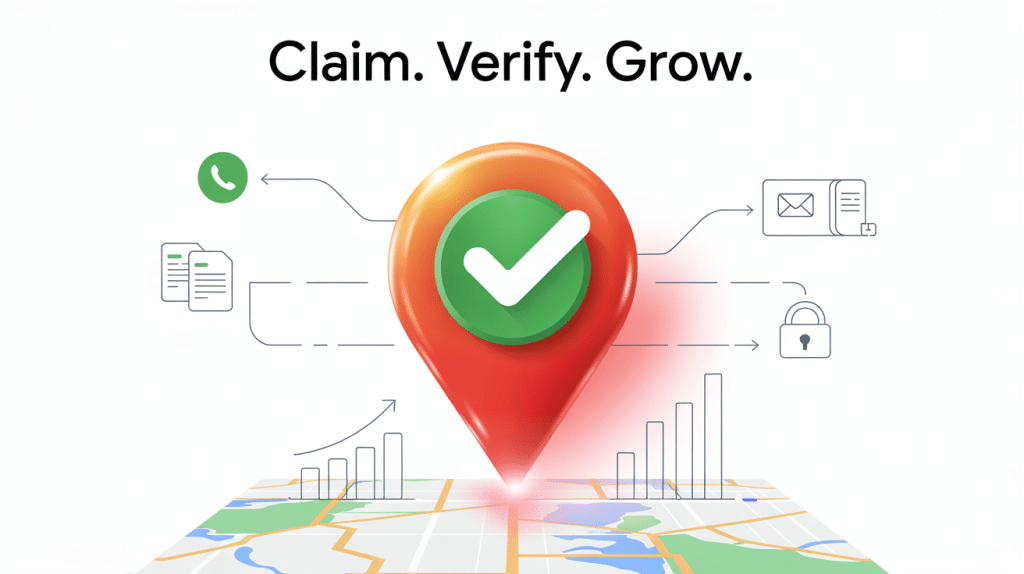
These steps guide initial verification and lead directly into the next consideration: auditing NAP consistency across the web to prevent verification failures.
NAP consistency — the exact match of Name, Address, and Phone across web listings — creates a network of corroborating citations that search engines use to verify business existence and location, strengthening local ranking signals. Conduct a citation audit by exporting NAP entries from GBP, your website, and top directories, then identify mismatches and prioritize corrections where variations impact high-authority listings. Use this checklist to correct and lock NAP:
Correcting citations reduces verification friction and improves prominence, which naturally leads to selecting the most relevant business categories for search relevance.
Business categories on GBP act as explicit semantic signals that map your profile to search intent and query topics; choosing a precise primary category plus complementary secondary categories increases relevance for target queries. Test category changes by tracking impressions and queries in GBP Insights and adjusting after a 4–8 week observation window, and ensure category-specific attributes are completed to enrich the profile. Monitoring category impact informs subsequent activity and content choices to sustain relevance.
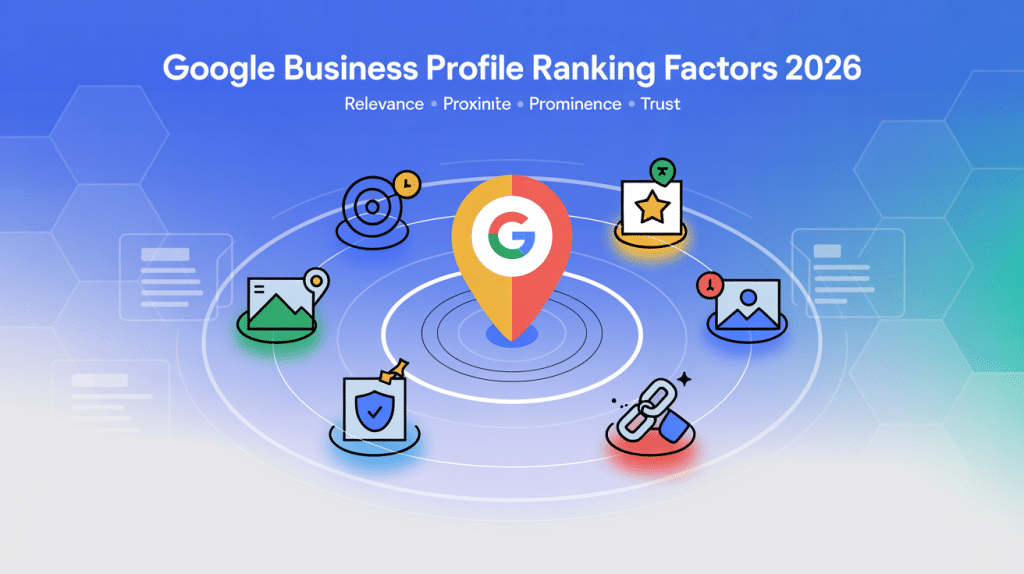
Key GBP ranking factors in 2026 combine classic local signals—relevance, proximity, prominence—with newer inputs such as continuous profile activity, structured transparency attributes, and signals ingested by AI Overviews; understanding each factor and its actionable metric helps prioritize optimization. Profile activity (posts, photos, Q&A), review dynamics, NAP consistency, category selection, and schema implementation all feed into ranking models and AI summaries. The table below compares major ranking factors, why they matter, and concrete actions and metrics to track so you can prioritize effort where it moves the needle.
This comparison clarifies how each factor should be weighted in an optimization plan and leads into more specific discussion of profile activity and how it influences rankings.
Profile activity influences local rankings by signaling recent engagement and operational status to search systems, and consistent updates increase the likelihood of AI and users surfacing the profile. Recommended activity cadence includes weekly Google Posts, monthly photo uploads, and daily Q&A monitoring for busy profiles; these actions create fresh signals and content for AI Overviews to summarize. Track metrics such as post impressions, photo views, and Q&A engagement in GBP Insights to quantify impact and refine content types. Structured activity also supports conversions by keeping CTAs current and aligning profile content with seasonal or promotional priorities.
Reviews remain a central trust signal because they capture real customer experiences, influence the sentiment analysis models used by Google’s AI Overviews, and contribute directly to ranking through volume, recency, and average rating. Search algorithms increasingly weigh how authentic and recent your feedback appears, making review velocity and consistency essential for visibility.
To maintain credibility and improve search performance, teams should track key metrics such as:
Together, these KPIs define overall reputation health and determine how your brand is represented across search, maps, and AI-generated summaries.
Business responses amplify the impact of reviews by demonstrating accountability and customer care. Consistent, professional replies—especially to negative feedback—help improve perception and boost how AI systems summarize your brand. Tools like Reviewly.ai simplify this process by automating review monitoring, generating AI-assisted replies that match your tone, and tracking key engagement metrics across all locations. The platform’s analytics dashboard lets you visualize review trends and sentiment scores in real time, making it easier to connect review management with measurable SEO outcomes.
The next table maps core review KPIs to their measurement methods and recommended benchmarks. Teams can use this framework to set clear targets, optimize strategy, and track progress over time.
This KPI mapping helps teams prioritize tactics for collecting and responding to reviews, which connects directly to implementing pre-seeded Q&A and structured FAQ content. With Reviewly.ai, these goals become easier to operationalize—its automation features streamline outreach, reminders, and replies while the analytics suite measures velocity, sentiment, and response performance across all platforms. The result: a transparent, scalable system that enhances both customer trust and local search rankings in 2026 and beyond.
Transparency attributes in 2026—such as sustainability credentials, accessibility features, and service guarantees—provide explicit trust signals that AI Overviews and users use to evaluate businesses before clicking or converting. Implement attributes by completing the relevant fields in GBP and mirroring them in LocalBusiness schema to ensure consistency; attributes exposed to users often increase CTR for conscious consumers and accessibility-focused queries. Examples include "wheelchair accessible," "green certification," or "service guarantee" attributes, each of which can be mapped to schema properties for machine consumption. Adding attributes both increases user trust and supplies structured inputs that AI models use when composing Overviews.
Reviews and Q&A are direct reputation and content assets: reviews generate user-generated content and signals, while Q&A creates succinct, searchable answers that feed AI summaries and featured snippets. A proactive review and Q&A program increases review volume, shapes sentiment, and pre-populates common customer queries with canonical answers. Below are actionable strategies for ethically collecting reviews, sample response frameworks for different review types, and Q&A tactics to seed AI-powered FAQs that improve CTR and reduce repetitive support load.
Collecting Google reviews ethically and consistently is one of the fastest ways to strengthen your brand reputation and improve local visibility. The goal is to make leaving feedback effortless for customers while maintaining full compliance with Google’s review policies. The most successful strategies focus on timing, convenience, and team enablement—three elements that directly influence review volume and authenticity.
To increase both quantity and quality of feedback, apply these proven tactics:
These steps accelerate review velocity and enhance feedback quality while staying aligned with Google’s review guidelines. Reviewly.ai specializes in helping team centralize and scale the review process—ensuring every satisfied customer has a convenient, compliant path to share their experience. The result is a continuous flow of fresh, authentic reviews that strengthen credibility, boost local rankings, and lay the foundation for meaningful customer engagement.
Responding to reviews strategically strengthens trust signals and can change perceptions captured by AI Overviews; timely, personalized responses to both positive and negative feedback are essential. For positive reviews, thank the reviewer, mention a specific detail, and invite them back; for negative reviews, acknowledge the issue, offer remediation steps, and suggest moving the conversation offline to resolve complex problems. Use templates to ensure consistency:
Consistent response policies improve sentiment metrics and tie into Q&A seeding by addressing recurrent issues publicly.
Google Q&A functions as a lightweight FAQ that both users and AI models consult; pre-seeding canonical questions and well-structured answers increases the chance AI Overviews and rich snippets use your preferred responses. Identify top customer questions from support logs, format answers concisely (one-two sentences plus a short follow-up), and monitor Q&A for inaccuracies or third-party answers. Mark up canonical FAQs on your site with FAQPage schema to strengthen the signal and reduce the chance of conflicting answers, and maintain a monitoring cadence to update answers promptly as services change.
Visual content and Google Posts are engagement drivers that create immediate, measurable signals of activity and provide material for AI Overviews and rich previews; high-quality images and timely posts increase click-through rates and user trust. Follow technical guidelines for image size and naming, adopt a consistent post cadence for offers and events, and use messaging integration to convert interest into action.
Photos and videos on GBP should be high-quality, properly named, and accompanied by descriptive alt text to maximize discoverability and contextual relevance for AI and visual search. Use clear filenames that include entity-rich descriptors (e.g., "LocalBusiness-interior-open-area.jpg"), provide concise alt text that mentions the business type and location, and upload a mix of exterior, interior, team, and product photos to cover common search intents.

Recommended resolutions are 720x720 minimum for photos and 720p for videos; prioritize authentic images that reflect real customer experience rather than overly staged stock imagery. Proper media increases engagement and supports the next tactical lever: Google Posts.
Google Posts let you publish offers, events, and updates directly on your profile, creating short-lived but high-impact content that signals activity and provides clear calls to action for searchers.
Use a cadence of 1–2 posts per week for offers or events, craft concise CTAs, and track post impressions and clicks in GBP Insights to measure effectiveness. Templates include event announcements, limited-time discounts, and product highlights; vary post types to test what resonates and adjust cadence based on engagement trends. Regular posting keeps content fresh and supports messaging conversions discussed next.
GBP messaging connects potential customers directly to staff in real time, enabling immediate conversion opportunities but requiring governance to ensure timely and secure responses. Enable messaging through GBP settings, set clear SLAs (e.g., respond within 1 hour during business hours), and draft canned responses for common queries to maintain consistency and speed. Ensure privacy safeguards and staff training to handle requests and escalate when necessary; messaging metrics such as response time and conversion rate should be tracked alongside other engagement KPIs.
Advanced integrations—booking, service menus, product listings, and transparency attributes—extend GBP from an information panel to a conversion platform that supports transactions and delivers explicit trust signals. Implementing these features requires mapping service catalogs, connecting supported booking providers, and ensuring product data is accurate and structured.
Below are practical steps for enabling booking and commerce, how transparency attributes increase trust, and how AI features inform optimization. If you need help with integration, consider hiring a specialist or implementation partner to connect booking/commerce systems and configure transparency attributes correctly.
Enabling booking and product features on GBP typically involves selecting supported booking partners, uploading service menus with clear pricing and duration, and adding product catalogs with accurate descriptions and images.
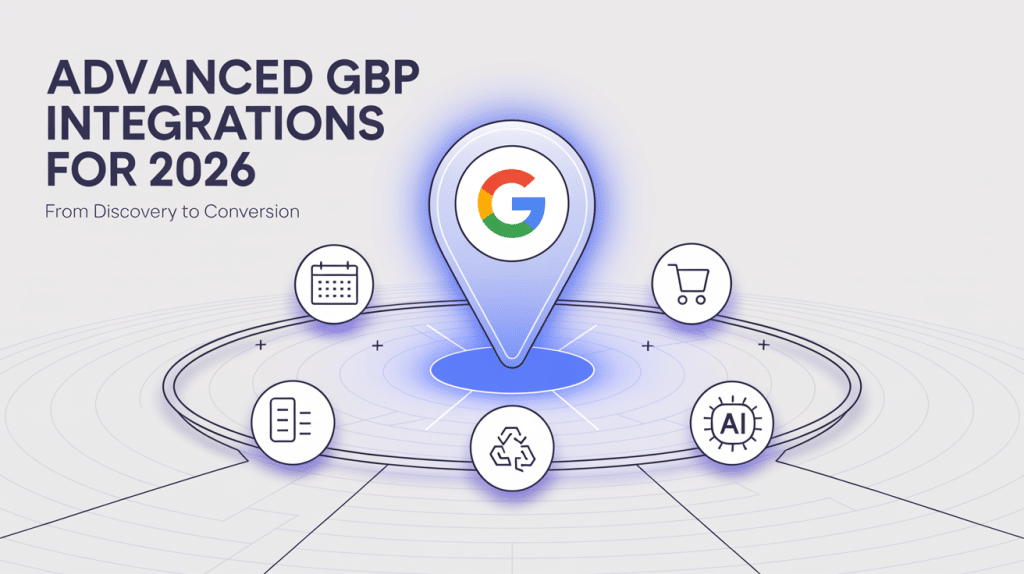
Implementation steps include choosing an integrated booking provider that supports GBP, creating service entries with semantic titles and durations, and uploading product lists with consistent identifiers that map to your site catalog. Track conversion metrics from booking clicks and product interactions to attribute revenue and refine listings; good tracking ties booking data back to GBP interactions for continuous improvement.
Transparency attributes like sustainability, accessibility, and guaranteed service provide explicit trust signals that influence user decisions and AI Overviews, often improving CTR for values-driven queries. Present attributes on GBP and mirror them in schema properties to ensure machine-readability; examples include mapping "wheel chair Accessible" or "has Energy Efficient Features" to LocalBusiness schema where applicable.
Benefits include higher click-through from informed users, improved brand trust, and clearer expectations that reduce post-booking friction. Adding attributes both increases user trust and supplies structured inputs that AI models use when composing Overviews.
AI impacts GBP by synthesizing profile content, reviews, and structured data into AI Overviews and conversational answers, so structuring content for machine consumption is now as important as human readability. Use clear entity definitions, short canonical answers in Q&A, and consistent schema to provide the raw elements AI models rely on; semantic triples (Entity → Relationship → Entity) like "LocalBusiness offers service" help align content to knowledge graphs. Monitor AI-driven summaries and sentiment shifts to identify content gaps and refine profile content for both human users and machine consumers.
Structured data (JSON-LD schema for LocalBusiness, Review, FAQPage, and HowTo) makes GBP-related content explicit to search engines, improving the chance of rich results and providing better inputs for AI Overviews and voice assistants. Mobile and voice optimization ensure content is accessible to on-the-go users and aligns with conversational search patterns, which increases relevance in hands-free scenarios. The following subsections provide exact schema types and properties to implement, mobile-first tactics, and monitoring practices for ongoing schema health. If technical schema implementation is beyond your team’s capacity, consider technical implementation services or audits to ensure correctness.
Implement LocalBusiness schema with core properties—name, address, telephone, openingHours, geo, and aggregateRating—plus nested Review and Product/Service entries where applicable to signal offerings and reputation. Example property mappings:
Place JSON-LD in the page head or body and validate with schema testing tools; correct placement and validation reduce errors and improve structured data health. After implementing schema, the next priority is adapting content and performance for mobile and voice.
Mobile-first and voice optimization focuses on page speed, concise conversational content, and structured FAQs that match natural language queries used in voice search; these tactics increase the likelihood of voice assistants referencing your profile. Aim for Core Web Vitals within recommended thresholds, craft short question-answer pairs for FAQPage schema, and use local intent phrases in conversational form (e.g., "where to buy [service] near me"). Track voice-driven conversions via call tracking, direction requests, and analytics events to measure impact and refine phrasing. Continuous monitoring ensures mobile and voice strategies remain aligned with user behavior.
The proliferation of voice search necessitates a deep understanding of its unique ranking factors to maintain SERP visibility.
Ongoing monitoring and governance prevent data drift and ensure the profile reflects current offerings, attributes, and reputation; set a cadence for audits and assign ownership of updates. Recommended cadence includes monthly checks for reviews and posts, quarterly citation audits, and annual schema validation and attribute reviews. Use GBP Insights, search analytics, and schema validation tools to detect issues and measure KPIs; a documented update workflow with triggers for immediate changes (policy updates, new attributes) maintains profile health. Regular audits feed back into the optimization loop and support long-term visibility.
Measuring GBP success requires selecting core KPIs, configuring tools for sentiment and structured data monitoring, and defining an audit cadence that aligns with business goals; this creates an evidence-based optimization cycle focused on outcomes like calls, bookings, and direction requests. Essential KPIs include local pack rank, clicks, calls, directions, impressions, and conversion metrics. The following sections list essential KPIs, recommended tools, and audit schedules so you can build a monitoring program that supports iterative improvements and demonstrates ROI.
Core GBP KPIs indicate discovery, engagement, and conversion: impressions and search queries show visibility, clicks and website actions show engagement, and calls, bookings, and directions show conversion. Define benchmarks for each KPI and collect them through GBP Insights plus website analytics to create a unified view; suggested review cadence is weekly for tactical signals and monthly for trend analysis. Example KPI definitions include "local pack rank" (position in local pack for target queries) and "conversion rate" (bookings or calls per profile interaction), and these metrics inform prioritization of optimization tasks.
The strategic importance of local optimization for search engines to increase organic traffic is well-substantiated by research, offering practical recommendations for retailers.
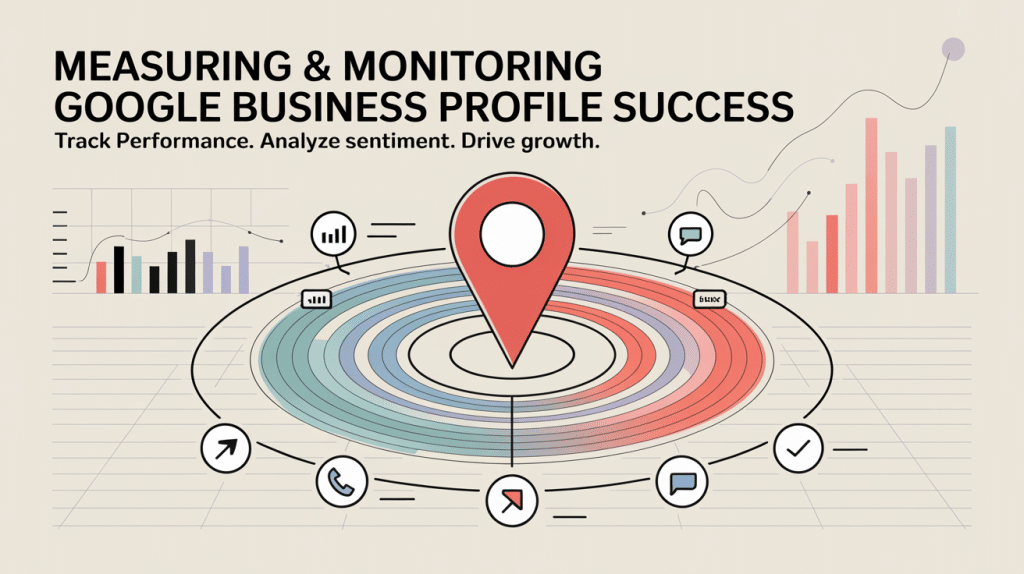
A complete monitoring stack should unite schema validation tools, Google Business Profile (GBP) Insights, analytics, and sentiment analysis platforms to maintain both technical accuracy and brand reputation visibility. Together, these systems provide a full picture of how your structured data, reviews, and customer sentiment impact local search performance.
Start by using schema validators (such as Google’s Rich Results Test or Schema.org validator) to run periodic checks for markup errors that could affect visibility in search results. Combine this with GBP Insights to monitor key engagement metrics—like search impressions, direction requests, and customer interactions—at the profile level.
Next, layer in sentiment analysis and review tracking. This is where Reviewly.ai adds significant value. The platform consolidates feedback from every location into one dashboard, automatically analyzing tone, sentiment trends, and recurring keywords. Its AI-driven monitoring engine flags sudden drops in average rating, keyword spikes linked to service issues, or unusual sentiment changes—helping teams act before problems escalate.
By pairing schema validation with Reviewly.ai’s real-time sentiment and reputation monitoring, businesses gain both technical accuracy and emotional insight—ensuring every structured data update and customer review works together to strengthen search visibility, trust, and long-term brand integrity.
Set an audit schedule that balances responsiveness with resource constraints: monthly for reviews and posts, quarterly for citations and categories, and annually for schema and attribute overhauls; trigger immediate audits after policy changes or major service updates. Monthly tasks include responding to reviews, posting updates, and checking messaging SLAs; quarterly tasks include citation corrections, category testing, and media refreshes; annual tasks include a full schema and attribute validation. This cadence ensures continuous improvement and aligns updates to observed KPI trends and AI-driven changes.
At the end of this checklist, if implementing booking integrations, schema mapping, or ongoing monitoring exceeds internal capacity, consider engaging technical implementation services or an implementation partner for audits, schema deployment, and booking/commerce integration to ensure accuracy and measurable outcomes.
Optimizing your Google Business Profile is essential for enhancing local visibility and driving customer engagement in 2026. By implementing strategies such as maintaining NAP consistency, leveraging reviews, and utilizing advanced features, you can significantly improve your local search rankings. This guide provides actionable insights to help you navigate the complexities of GBP management effectively. Start optimizing your profile today to unlock its full potential and attract more customers.
Jeff Schwerdt is the Founder & CEO of Reviewly.ai, a review management platform that helps businesses turn customer feedback into measurable growth. With over 10 years of experience in online reputation management, Jeff works with small and mid-sized businesses to build trust, improve local search visibility, and drive more revenue through smarter review strategies.

Keep your business ahead in 2025 with the top Google review management softwares; discover which platforms make the cut and why they matter.
Optimize your business revenue with white label tools and discover strategies to maximize growth—your income potential is just a click away.
Witness how review marketing can transform your small business with our top tactics; continue reading to step towards success.
In today’s hyperconnected world, Google Reviews are more than just feedback—they’re a business lifeline. Whether you’re a corner bakery or a global SaaS firm, your reputation is just a search away. With consumer trust hinging on star ratings and recent feedback, businesses cannot afford to ignore this powerful tool. In this complete guide, we’ll unravel […]
Boost your business's online presence with proven strategies to increase Google reviews—discover how to increase google reviews for your business.
You won't believe how reviews can skyrocket your SEO—discover how do reviews impact SEO the hidden benefits that can transform your online presence!