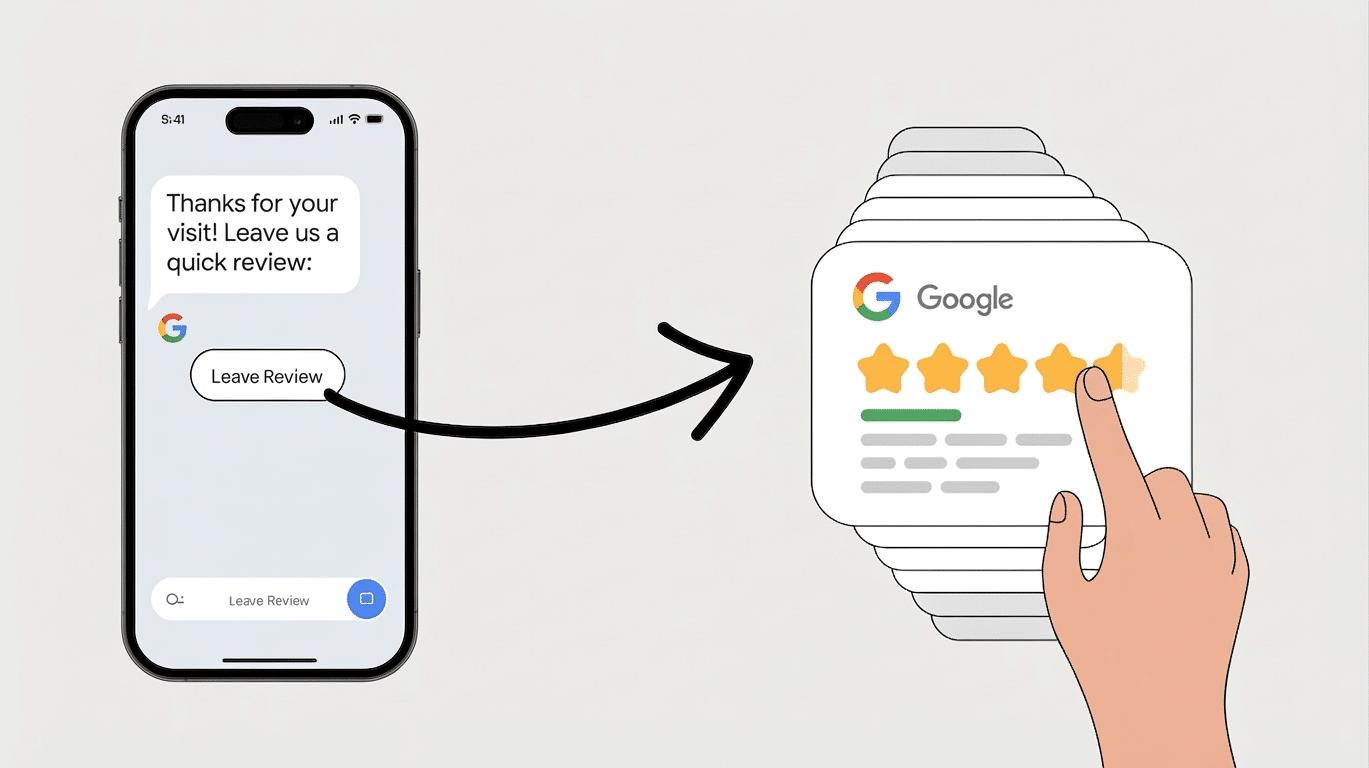
If you want more Google reviews, you don’t need more complicated marketing—you need a faster way to ask.
SMS review requests work because they reach customers where they already are: on their phone, paying attention. Instead of hoping a customer remembers to leave a review later, a well-timed text message puts the request in front of them within minutes of their experience.
That’s what turns occasional reviews into a consistent flow.
But here’s the difference: sending a text isn’t enough on its own. The businesses that see real growth are the ones that get the timing right, keep the message simple, and use systems that automate the entire process.
Since text messages reach customers where they’re already paying attention, SMS works especially well for Google review requests. When you text, your message lands on the device customers check constantly, so it gets seen fast—often within minutes. High open rates help explain why SMS requests are so effective at generating quick responses.
That speed matters because people still remember how your team made them feel, which helps them share specific, authentic feedback while the experience feels fresh.
SMS also makes responding feel easy and natural. You can send a short, clear request tied to the service they just received, which reduces mental effort and keeps the next step obvious.
Strategic timing and gentle follow-ups can improve review collection without making the process feel intrusive.
When you include a customer’s name, your business name, and a recognizable sending number, your message feels legitimate, personal, and safe. That sense of familiarity builds trust and helps customers feel like they’re part of a valued community, not just another transaction.
As more customers respond quickly, you create a steady flow of fresh reviews that strengthens your local presence.
How SMS Gets More Google Review Clicks
When you want more customers to actually tap your Google review link, SMS removes the small barriers that often stop people from following through. Your text appears where people already pay attention, with open rates above 95%, so your request feels present, not buried.
Because customers receive the message and open the Google form on the same phone, you create a smooth, familiar path that feels easy. Most texts are read within three minutes, which makes SMS especially effective when you ask at the right moment. Texting also works well as an effective follow-up strategy that keeps your online reputation growing through timely review requests.
You place the review link in their primary communication channel.
You use a short URL that skips extra searching and taps.
You keep the message brief, personal, and easy to understand.
You make the CTA obvious, so people know exactly what to do.
You build trust with your business name and a quick thank-you.
You also help customers feel confident. A direct review-writing link, mobile-friendly Google form, and recognizable sender reduce hesitation.
When your message feels simple, relevant, and legitimate, more people click and join your community.
When to Send SMS Review Requests
So, what’s the best time to send an SMS review request? You’ll get the strongest results when your timing matches the customer’s experience. For restaurants, send within an hour. For retail, wait one to three days so they can try the product. For home services, aim for 24–72 hours. For salons and spas, send that day or next morning. B2B clients usually respond best at closeout or within a week. Text messages work especially well because they can include a direct review link that makes leaving feedback quick and simple. Since online reviews influence many buying decisions, timely SMS requests can also strengthen trust in your brand.
Situation
Best timing
Restaurant visit
0–1 hour after
Retail purchase
1–3 days after
Home service job
24–72 hours after
You’ll also boost responses by sending Tuesday through Thursday, between 10:00 and 19:00 local time, especially around lunch or early evening. Don’t text after 20:00 or on Sundays. If no one replies, send one follow-up 48–72 hours later. Keep it respectful, consent-based, and locally timed so customers feel valued, not chased, by your brand community.
How to Write SMS Review Texts That Convert
Timing gets your message opened, but wording gets the review submitted. Keep your text to one or two short sentences, use plain language, and ask for one action only.
When you make the path simple with a direct review link, you help people follow through without feeling overwhelmed or sold to. A warm, relevant message makes customers feel seen and part of your community. Text messages also benefit from higher open rates, which gives your request a stronger chance of being seen quickly. Since 96% of SMS messages are read within three minutes, rapid feedback collection becomes much easier through text.
Focus every SMS on five essentials:
Use their first name and a light detail, like today’s service.
Ask clearly: “Leave a review” or “Share feedback.”
Add a direct link to the review form.
Keep the tone appreciative, helpful, and true to your brand.
Send one main text and, if needed, one brief reminder.
You’ll get better results when your wording feels human, not scripted.
Try framing the request as a way to help others choose confidently. That sense of contribution often inspires more honest, timely reviews from your audience.
How Reviewly.ai Automates SMS Review Requests (And Scales Results)
The biggest problem with SMS review strategies isn’t writing the message—it’s consistency.
Most businesses:
forget to send requests
send them too late
or don’t send them at all
That’s where automation changes everything.
With Reviewly.ai, SMS review requests are triggered automatically based on real customer actions—like when a job is completed, an invoice is paid, or a service is finished.
Instead of relying on staff, the system:
sends the message at the optimal time
includes a direct Google review link
tracks which messages convert into reviews
keeps a steady flow of new feedback coming in
This is what turns review generation from a manual task into a repeatable system.
For multi-location businesses and agencies, it also means everything is managed from one dashboard—so you’re not chasing reviews across different platforms.
The result is simple:
more reviews
faster review growth
stronger Google Business Profiles
How to Keep SMS Review Requests Compliant
Although sending a review request by text feels simple, staying compliant requires the right setup behind the scenes.
You need prior express written consent before sending any SMS review request. Your opt-in language should clearly explain the purpose of the messages, how often customers can expect them, potential message and data rates, and how to opt out. Simply collecting a phone number is not enough—you must have clear, documented permission.
Consent should be captured through reliable channels like website forms, keyword opt-ins, or point-of-sale agreements, with timestamped records tied to each contact.
Each message also needs to clearly identify your business, state that the message is requesting feedback or a review, and avoid anything misleading or coercive. Review requests should be kept separate from transactional messages, sent only within appropriate hours, and never delivered to purchased or scraped contact lists.
You also need to properly handle opt-outs. If a customer replies STOP or CANCEL, the request must be processed immediately, with the number added to a suppression list across all systems.
Reviewly.ai is built with these compliance requirements in mind. The platform helps businesses send SMS review requests only to opted-in contacts, automatically includes proper messaging structure, and manages opt-outs in real time. By centralizing your review requests and tracking activity in one system, it becomes much easier to maintain consistent, compliant outreach without relying on manual processes.
How to Measure SMS Review Request ROI
Start by defining what success looks like, because you can’t measure SMS review request ROI without clear goals and KPIs. You’re aiming to increase Google review volume and average rating within a set timeframe. Your primary KPI is conversion rate: reviews received via SMS divided by delivered texts. Keep messages brief for SMS compatibility. SMS is especially effective because it benefits from a 96% open rate within minutes, making response tracking more reliable.
Then connect review lift to belonging-driven business outcomes like visibility, clicks, visits, and revenue.
Track these essentials:
SMS delivery, clicks, reviews, and average star rating
Time-to-review after each text send
Total costs: messaging, software, labor, data, and consent
Lift versus a no-SMS control group
Revenue impact, cost per review, and payback period
Use unique links, attribution windows, and timestamp checks to isolate SMS-sourced reviews. Compare test and control cohorts to measure true lift.
Then calculate ROI: incremental revenue from added reviews minus total SMS costs, divided by total costs. Keep a simple dashboard, segment results, and keep testing timing, copy, and reminders monthly.
Conclusion
SMS review requests work because they meet customers where they already pay attention: their phones. If you send a timely, personal, compliant text with a clear review link, you’ll usually earn more clicks and more Google reviews. For example, a local dental practice that texts patients within an hour of appointments could see review volume double in a month. When you track clicks, conversions, and timing, you can keep improving results and turn simple texts into steady reputation growth.
Share This Post On Social Media
Learn How AI Affects Local Businesses And Stay Ahead Of Your Competitors!
Enter Your Email Below For Our Weekly Insider Updates And Tips
About The Author
Jeff Schwerdt
Founder & CEO, Reviewly.ai
Jeff Schwerdt is the Founder & CEO of Reviewly.ai, a review management platform that helps businesses turn customer feedback into measurable growth. With over 10 years of experience in online reputation management, Jeff works with small and mid-sized businesses to build trust, improve local search visibility, and drive more revenue through smarter review strategies.
Struggling to amplify your construction business’s reputation with more customer reviews? Your search ends here with our guide on how to get more reviews as a construction business in 2024. We’ll walk you through proven tactics tailored for the construction industry to boost your online feedback and secure the trust your business deserves. Discover how […]
In today's digital landscape, having a strong online presence is crucial for businesses of all sizes. One of the most powerful tools at your disposal is the Google Business Profile (GBP). This comprehensive Google Business Profile setup guide will walk you through setting up, optimizing, and maintaining your profile to ensure your business stands out […]
Boost your Google ratings effortlessly with automated Google review requests. Increase customer feedback and enhance your online presence to drive more business today!
Discover how multi-location review management software helps businesses simplify reputation monitoring, automate responses, and improve local SEO across every branch. Learn the key features that scale—and why Reviewly.ai is a top choice for multi-location brands.