
Proven strategies for recovering reputation post-PR crisis await; discover how to rebuild stronger and more credible in 9 essential steps.
Google reviews don’t just sit on your profile — they influence trust, clicks, and whether customers choose you over the business down the street. And the part most owners underestimate is this: people don’t only read reviews… they read your responses.
The problem is consistency. When you’re busy, responses get delayed. When your team is rushed, replies sound generic. And when negative feedback hits, it’s easy to either overreact or ignore it — both of which can cost you.
AI can change this, but only if it’s used correctly. The goal isn’t to “auto-reply to everything.” The goal is to respond faster, sound more consistent, and handle more reviews without losing your brand voice.
This guide shows you exactly how to use AI for Google review responses, including practical templates, best practices, and a workflow that keeps responses authentic.
When a customer leaves a Google review, modern AI systems analyze the text almost instantly. Behind the scenes, natural language processing (NLP) breaks down the review into meaningful components: tone, sentiment, keywords, and contextual clues.
Instead of simply detecting whether a review is “good” or “bad,” advanced systems evaluate nuance. They identify whether the customer is frustrated, enthusiastic, confused, disappointed, or appreciative.
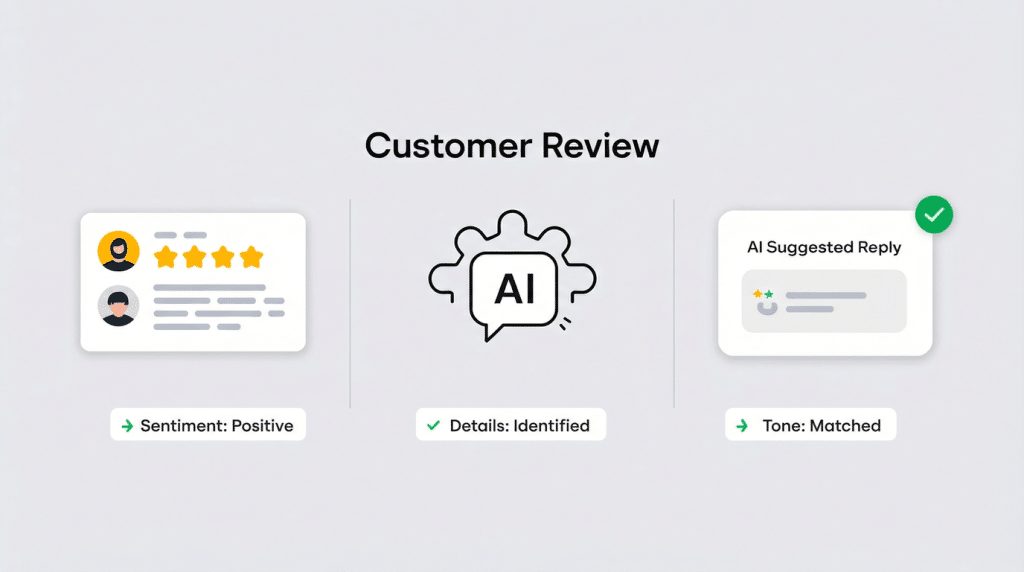
The process typically includes:
What makes AI powerful is speed. A task that might take a human 3–5 minutes per review happens in seconds.
But the real value is not just speed — it’s consistency. AI ensures every response follows the same structure, tone guidelines, and brand standards you define.
Instead of having five different team members respond in five different styles, AI creates a stable foundation for engagement.
Not every business needs the same level of automation — but every business needs the right foundation.
If you receive only a handful of reviews each month, you may think AI for responses is your primary need. But often, low review volume signals a different issue: you don’t just need help responding — you need help generating more reviews in the first place.
AI review response tools are powerful, but they work best when there’s consistent review activity to manage.
Before implementing AI for Google review responses, evaluate your operational reality:
Your answers determine the level of AI structure — and whether review generation should be your first priority.
Here’s a breakdown:
| Business Type | Monthly Review Volume | Primary Need | Recommended AI Setup | Oversight Level |
|---|---|---|---|---|
| Small Local Business (1 location) | 5–20 reviews | Increase review volume + draft responses | SMS-based review generation + AI draft replies | Owner reviews before posting |
| Growing Business (1–3 locations) | 20–75 reviews | Response consistency + monitoring | AI drafts + structured approval workflow | Manager oversight |
| Multi-Location Brand | 75+ reviews | Centralized visibility + scalability | Dashboard + AI drafts + role-based permissions | Location managers + leadership review |
| Regulated / Sensitive Industry | Any volume | Controlled messaging + compliance | AI drafts + strict manual approval + escalation tagging | Senior staff review required |
If you’re only receiving 5–20 reviews per month, your priority may be building review velocity. In that case, pairing AI-assisted responses with automated Google review requests creates a complete system:
For growing or multi-location businesses, centralized dashboards and structured workflows prevent inconsistencies from damaging brand perception.
If you operate in a regulated industry, human oversight remains critical — AI should assist, not autopilot.
The key principle remains the same:
AI should fit your operational reality — not complicate it.
The goal is not maximum automation.
The goal is controlled efficiency, aligned with consistent review growth.
Before AI can assist with responses, it must connect securely to your Google Business Profile.

Most AI platforms use Google’s authorization system. You log in, approve permissions, and allow the tool to monitor and draft responses within your account.
During setup, you should:
For businesses with multiple locations, permission structure becomes even more important. Local managers may handle day-to-day replies, while leadership maintains oversight.
This balance prevents chaos while preserving brand consistency.
A secure and structured setup is the foundation of successful AI-assisted review management.ement.
The most common mistake businesses make when using AI for Google review responses isn’t over-automation — it’s under-configuration.
If you simply turn on AI and let it generate responses without setting clear messaging guidelines, the output will default to safe, neutral language. While technically correct, those responses often feel generic and interchangeable. Customers may not consciously recognize it as “AI,” but they will notice when replies lack personality.
The solution is not complex AI training.
It’s thoughtful template configuration.
Most modern AI response platforms allow you to define messaging frameworks inside the software itself. Instead of “teaching” the AI from scratch, you configure structured response guidelines that shape how drafts are written.
Start by clearly defining your communication style:
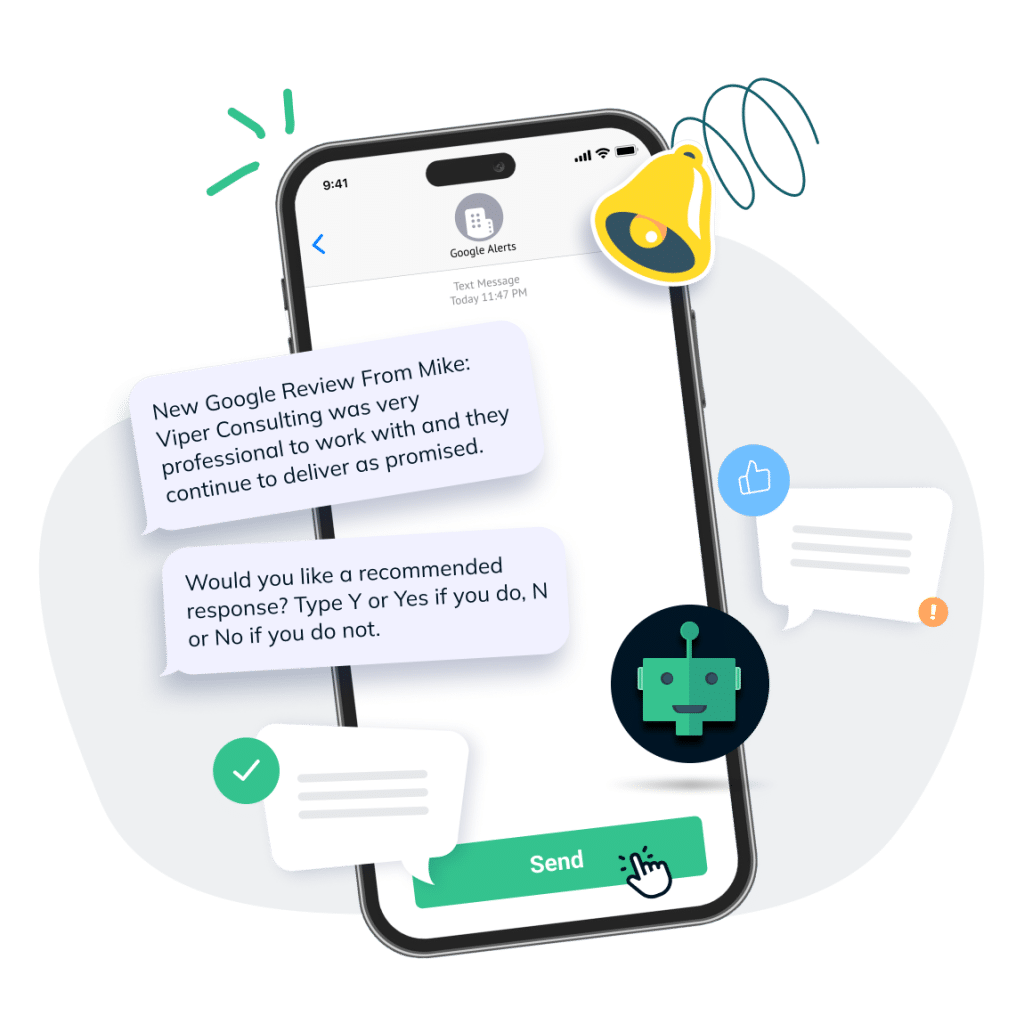
These decisions form your response template structure.
Most platforms allow you to:
This approach keeps messaging consistent across your organization.
Instead of every team member improvising, the software applies structured guidelines to every draft. AI then works within those boundaries, generating responses that reflect your configured tone rather than generic internet language.
When messaging templates are configured correctly, AI becomes a consistency engine — not a personality replacement.
The result is faster responses that still feel aligned, intentional, and brand-aware.
Not all AI systems operate the same way.
Some tools rely entirely on rigid templates. Others generate completely free-form responses with little structure. The most effective systems combine both approaches — structured messaging where consistency matters, and sentiment-based AI where personalization matters.
That’s how Reviewly.ai is designed.
When sending initial SMS review requests or follow-up messages, Reviewly uses customizable response templates. Businesses configure tone, greeting style, brand voice, and closing language inside the platform.
This ensures that every outbound message:

This structured layer creates stability. It prevents inconsistencies across staff members and locations.
But when it comes to actual review content, flexibility becomes more important.
Many customers want to leave a review — they just don’t know what to write.
Instead of presenting a blank text box, Reviewly can generate AI-powered review suggestions after a service is completed. These suggestions are based on the type of service provided and the customer interaction.
Importantly, the AI does not dictate the review.
It analyzes the interaction context and generates a natural suggestion that customers can edit freely. The goal is to reduce friction — not script experiences.
This makes it easier for customers to articulate their experience, increasing completion rates while keeping the review authentic.

On the business side, Reviewly’s AI analyzes the actual content of the posted Google review before generating a draft reply.
Instead of selecting from a static “5-star template” or “1-star template,” the system evaluates:
Then it generates a draft response aligned with that context.
Here’s how that plays out in practice:
For highly positive reviews:
The AI emphasizes gratitude and reinforces the specific details mentioned by the customer. If the review praises fast service or a specific staff member, the draft will reference that directly.
For mixed (3-star) reviews:
The AI balances appreciation and accountability. It acknowledges what went well while addressing the concern without defensiveness.
For negative reviews:
The AI generates a calm, empathetic draft that avoids blame, acknowledges the issue, and suggests moving the conversation offline when appropriate.
However — and this is critical — these are drafts.
The business reviews and approves them before publishing. This preserves human oversight while dramatically reducing response time.
Using structured templates for outbound messaging and sentiment-based AI for live review analysis creates a complete system:
This ensures responses feel timely, thoughtful, and aligned — not robotic or over-automated.
The result is not just faster replies.
It’s smarter engagement on both sides of the review conversation.
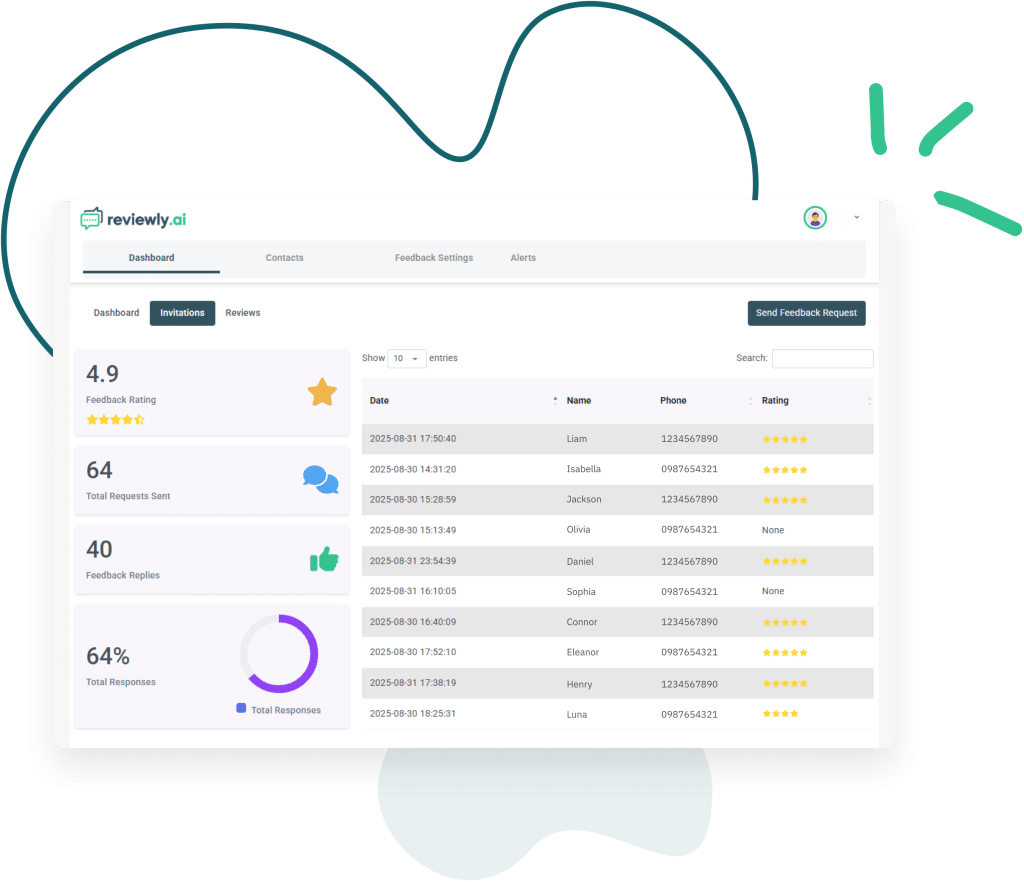
Once AI becomes part of your review workflow, measurement matters.
Track:
Faster responses often correlate with stronger engagement.
The objective isn’t automation alone — it’s sustained attentiveness at scale.
AI for Google review responses is not about replacing human interaction.
It’s about supporting it.
When configured thoughtfully, AI reduces workload, improves consistency, and strengthens public engagement — all without sacrificing authenticity.
The businesses that benefit most aren’t those who automate blindly.
They’re the ones who combine intelligent drafting with human oversight and a clear brand voice.
In competitive local markets, consistency builds trust.
AI simply makes that consistency sustainable.
Jeff Schwerdt is the Founder & CEO of Reviewly.ai, a review management platform that helps businesses turn customer feedback into measurable growth. With over 10 years of experience in online reputation management, Jeff works with small and mid-sized businesses to build trust, improve local search visibility, and drive more revenue through smarter review strategies.

Proven strategies for recovering reputation post-PR crisis await; discover how to rebuild stronger and more credible in 9 essential steps.
Transform your agency's reputation with Reviewly.Ai's white label solution—discover customizable branding, private hosting, and advanced automation tools today.
The top AI-powered review management software in 2025 could revolutionize customer engagement—discover which tools will lead the way.
Transforming Client Acquisition and Review Management with Reviewly.ai Top Digital Marketer Ken George, leveraged Reviewly.ai and the Yes Method to secure clients swiftly and enhance their review management. This case study explores Ken's journey from initial networking to achieving tangible results for his clients, boosting their online presence and trustworthiness with the help of some […]
Wrestle with the importance of Google and Yelp reviews in shaping your businesses success. Learn which is better of the two in this compelling deep-dive.
Navigate the nuances of optimizing your Google Business Profile to attract local clientele; discover the essential steps that can transform your visibility.