Transform your agency services with white label software in 2025, but how can you ensure you choose the perfect platform? Discover the key steps inside.
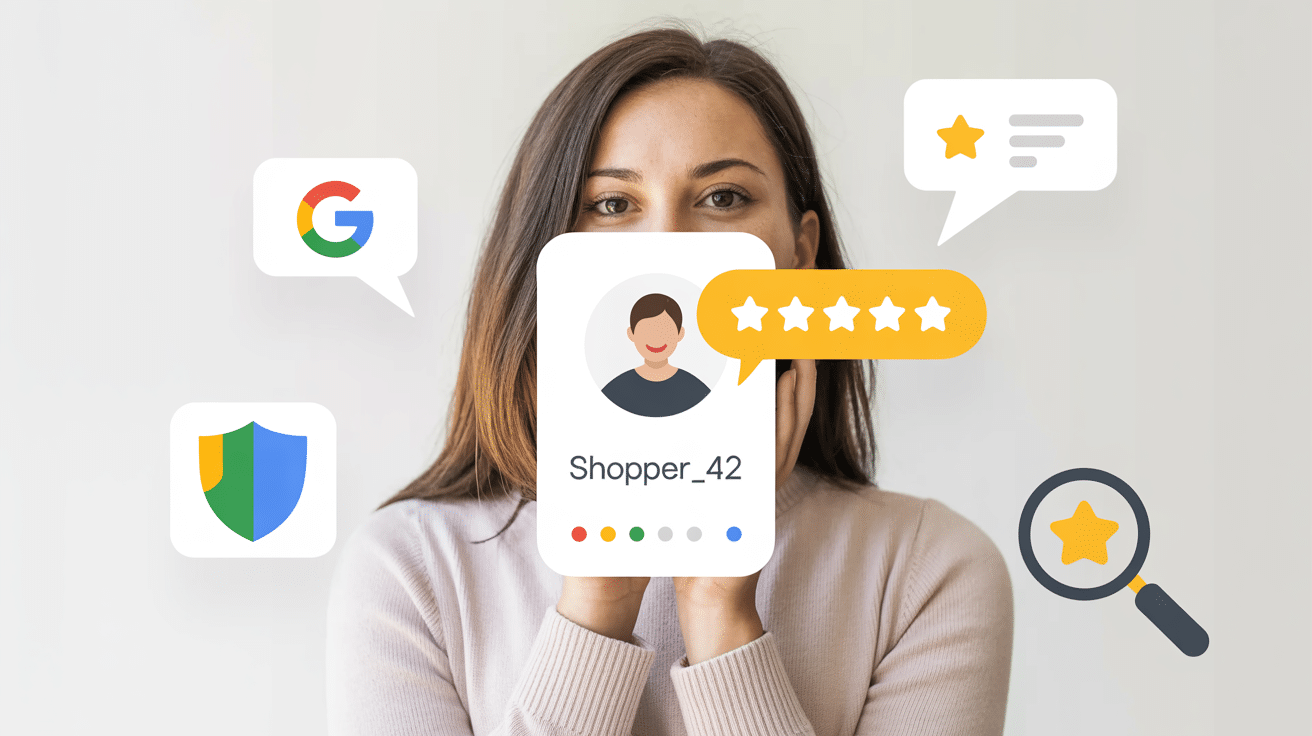
Google just made a move that’s bound to shake up the world of online reviews—and for once, it might actually work in your favor.
As of November, 2025, users can now leave Anonymous Google Reviews using a nickname and profile photo of their choice. That’s right—real names and selfies are no longer required for public-facing reviews. Instead, people can post feedback with a little more privacy, while Google still knows who’s behind the scenes.
If you’re a business owner, marketing manager, or local SEO strategist, this change isn’t just noise—it’s your next opportunity. In this blog, we’ll break down exactly what’s changed, what hasn’t, and how to adapt your review strategy to stay ahead.
Let’s clear the air right away: this isn’t full-on anonymity—it’s pseudonymity. Google now allows reviewers to customize:
These customizations apply to a person’s public contributions—things like reviews and photos on Google Maps and Search. This means customers can now leave feedback without exposing their real name or personal image.
What didn’t change?
Google still knows exactly who left each review. The review is still tied to a verified Google account. Behind the curtain, Google’s identity checks and spam filters remain firmly in place.
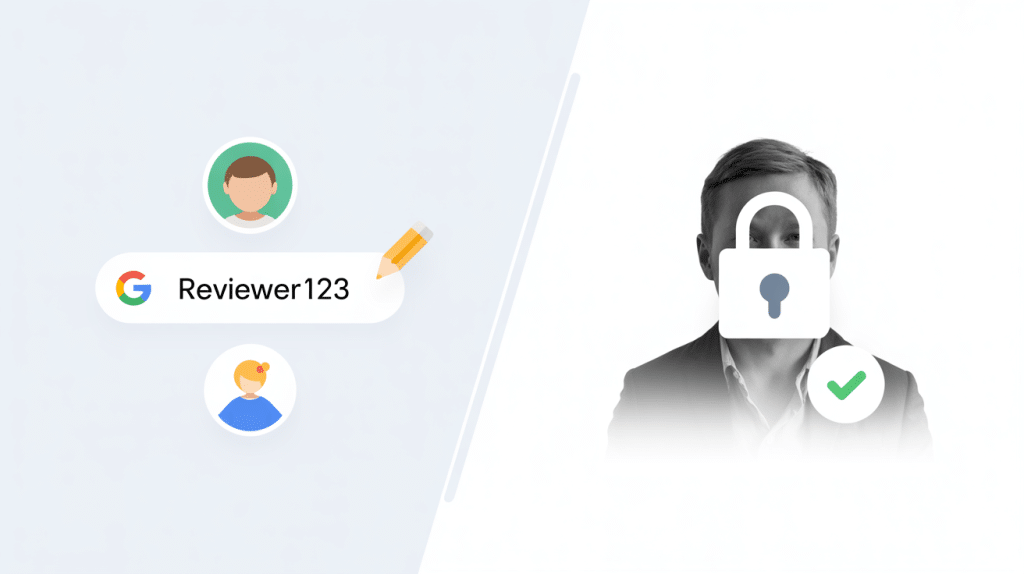
So yes, while “Anonymous Google Reviews” sound dramatic, the update is more about public privacy than platform privacy.
Short answer: Probably not.
Now, we get it—“anonymous reviews” sounds like a spammer’s dream. But in reality, this update isn’t a free-for-all for fake feedback. In fact, the risks are lower than many might assume. Let’s break it down:
If someone wanted to leave a fake review before, all they had to do was create a new Google account. That loophole isn’t new. The recent nickname feature doesn’t remove the requirement of having a verified Google account—it just changes what the public sees. The back-end identity checks and spam detection systems still apply, and Google’s algorithms are smarter than ever at sniffing out shady behavior.
This isn’t Google lowering the bar—it’s them lowering the perceived risk for genuine users, not for scammers. Behind the scenes, Google still monitors:
So if someone tries to game the system? Odds are, they’ll get flagged or filtered out pretty quickly.
Over the last year, government regulators have cracked down hard on fake and deceptive reviews. Just to name a few examples:
That means platforms like Google are under more pressure than ever to protect authenticity and take quick action against abuse.
Just because a review is left under a nickname doesn’t mean it’s immune to the rules. Harassment, incentivized reviews, fake experiences, extortion, or off-topic rants—they’re all still prohibited under Google’s review content policies, and they can still be reported, removed, and penalized.
So, will there be a few bad apples who try to exploit this? Probably. But nothing about this feature makes it easier for them to succeed.
“This feature lowers friction for real users, not for fraudsters.”
It’s a win for shy but satisfied customers—not scammers. The nickname option simply gives people a layer of privacy that encourages more honest, helpful feedback. If your review strategy is already strong and you’re staying active with reporting and responses, there’s no reason to worry. In fact, there’s every reason to lean in.
Let’s look at the bright side for a second. This update could be exactly what your local business needed.
People in sensitive industries (healthcare, legal, financial services) often hesitate to leave reviews for privacy reasons. Now they can contribute without revealing their identity.
Pseudonyms give customers more freedom to speak candidly. Use these reviews like a live QA feed—public feedback can help you improve and win future customers.
Businesses that actively request and respond to reviews will pull ahead. Those that sit back and “wait” for reviews? They’re falling behind.
Here's how you can break it down for your team or clients without getting technical:
“When you leave a Google review, you can now pick a nickname and image instead of using your real name or photo. Google still knows it’s you—but the public won’t see your real identity.”
Industry analysts in the local SEO community have noted similar trends in Google’s move toward privacy-first review behavior, especially as regulators increase pressure on platforms to curb fake engagement.
And yes, this display name applies across a user’s Google Maps and Search activity for consistency.
Google’s new anonymous review feature isn’t just a policy change—it’s a golden opportunity for businesses to collect more authentic, higher-quality reviews without pushing customers too far outside their comfort zones.
To help you hit the ground running, here’s a detailed, field-tested 12-step action plan to turn this update into a long-term trust engine for your brand:
First things first—loop your staff in. If someone on your team sees a glowing review from LatteLover_09 and wonders why they can’t find that customer in your system, that confusion needs to be cleared up.
Make sure everyone—from the front desk to customer success—understands that pseudonymous reviews are now part of the landscape. Share simple talking points so they can confidently explain it to curious customers.
Timing is everything. You want to strike while the experience is still fresh—and positive.
Whether it’s after a seamless checkout, a successful service call, or a follow-up appointment that exceeded expectations, use QR codes or NFC cards to secure a review right then and there
Then, follow up with a short SMS reminder within 24–48 hours. That window is your sweet spot for conversion.
Want quick results? Launch a micro-campaign. Challenge your team to collect 10 new reviews in 10 days.
You can even gamify it with small prizes or team recognition.
This kind of sprint can energize your staff, build early momentum, and provide a solid bump in trust signals during busy seasons.
Reviews shouldn’t sit unattended. Treat them like inbound leads—because that’s what they are.
Timely responses show prospective customers you’re attentive, engaged, and accountable.
Unfortunately, fake or abusive reviews can still sneak through the cracks. Be proactive:
Bonus tip: Keep a quick checklist of what qualifies as a policy violation so your team knows exactly what to flag.
This one’s a goldmine: when reading through reviews, pay attention to the exact phrases customers use.
If multiple reviewers mention “pain-free visit,” “lightning-fast install,” or “friendly vibes,” then guess what? That’s the language your prospects resonate with. Start using those exact words in your ads, web copy, and social posts—it feels more authentic because it literally came from your audience.
Turn review generation into a team sport. Create a simple leaderboard that tracks:
Celebrate the wins. Recognize top performers. And use this as coaching fuel for anyone falling behind. It keeps your team motivated and focused on the customer experience.
Seasonality is your friend. Think tax time for accountants, spring refreshes for home services, or open enrollment for healthcare providers.
Create focused review campaigns around those key windows when customer activity is high. A concentrated push during a seasonal spike can deliver long-lasting SEO and social proof benefits.
Let’s be real—logging into your Google Business Profile every time a new review drops is a hassle.
Tools like Reviewly take the pain out of the process:
This keeps your profile fresh, your responses fast, and your team focused on what matters.
Watch for signs like:
Steps to take:
Enforcement is getting better—regulators are holding platforms accountable. This helps honest businesses win.
If you're using Reviewly, here's how to go turbo-mode:
Want help launching your first “10-in-10” review campaign?
Let’s face it—when Google makes a change, especially one tied to reviews, most businesses immediately brace for impact. But this time? It’s not a threat. It’s an opportunity.
Google’s new anonymous review feature isn’t about letting trolls run wild. It’s about lowering the barrier for real, satisfied customers to speak up—especially those who may have stayed silent before because of privacy concerns. It’s about giving your audience a voice without making them feel exposed.
And if you’re running a legitimate, customer-focused business? That’s great news.
If you’re in healthcare, legal, financial services—or any field where confidentiality and personal sensitivity matter—this is your moment to shine. Anonymity removes hesitation. Now, even your most discreet clients can help tell your story in their own words, without fear of personal exposure.
But here’s the catch: this advantage only goes to businesses that act.
Sitting back and waiting? That won’t cut it anymore. The businesses that train their teams, make the ask confidently, and respond quickly and meaningfully are going to pull ahead—fast. Every review becomes a mini marketing asset, a public trust signal, and a chance to engage potential customers before they even walk through your door.
By adapting to this change—by embracing nicknames, tracking trends, streamlining your response process, and backing up your data—you’re not just reacting to Google’s update… you’re turning it into a long-term growth strategy.
Over time, this shift will widen the reputation gap between businesses who “get it” and those who don’t. The ones who move first will get the volume, the recency, the detail-rich feedback, and ultimately—the visibility.
It’s not rocket science. It’s just smart, modern reputation management.
And don’t forget: behind every “AnonymousPenguin85” or “CoffeeFan_82” is a real human being who took time to share their experience. That’s not just data—it’s marketing gold.
Transform your agency services with white label software in 2025, but how can you ensure you choose the perfect platform? Discover the key steps inside.
Discover six crucial secrets for nurturing your digital marketing agency's growth and scalability; delve in and unlock your agency's full potential.
Boost your business visibility with essential Local SEO tips. Improve your search rankings, attract more customers, and grow your brand locally today!
Discover 9 powerful local SEO strategies to drive more traffic, customers, and visibility to your small business. Easy to implement, proven to work.
Social media has emerged as a potent tool for businesses to connect with their audience, amplify their brand message, and drive growth. However, not all businesses harness its power effectively. In this blog, we'll uncover four common business mistakes owners often make with their social media accounts and provide insightful alternatives to pave the way […]
Online reviews are crucial. They influence consumer decisions, impact search engine rankings, and shape your business's reputation. Motivating employees to ask for more reviews can significantly boost your company’s online presence and credibility. However, inspiring your staff to request reviews requires a strategic approach. This guide provides actionable insights on how to use Reviewly.ai to […]